How to Set Up AI-Powered Invoice Processing for Your Restaurant
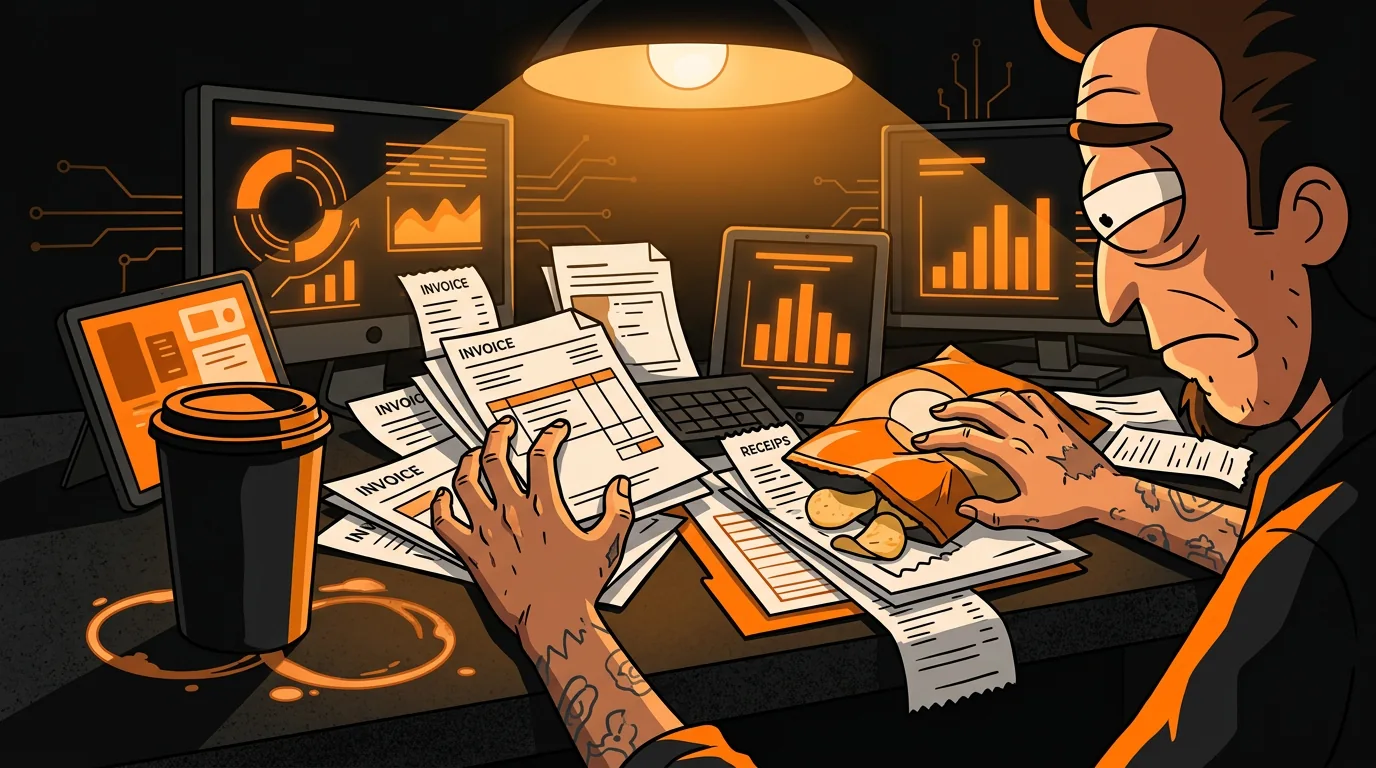
Your Sysco invoice came in on Tuesday. It's now Friday. The paper is sitting under a stack of takeout menus and a half-eaten bag of chips on the manager's desk. Nobody has entered it into the system. Your food cost for this week? A guess. Your actual margins on the chicken parm special? Unknown. And that $340 overcharge on chicken breast that was supposed to be $3.89/lb but got invoiced at $4.89/lb? Nobody caught it because nobody looked.
This is how most independent restaurants handle invoices. Not because owners are lazy - because they're doing seventeen other things and entering line items from a crumpled Sysco receipt into QuickBooks at midnight isn't exactly inspiring work.
The National Restaurant Association reports that food costs represent 28-35% of revenue for the average restaurant. When you're not tracking invoices in real-time, you're guessing at one of your biggest expenses. And guessing wrong on a 30% cost center is how restaurants quietly bleed money for months before anyone notices.
AI-powered invoice processing takes the paper pile and turns it into actual data - automatically, in minutes instead of days.
How Does AI Invoice Processing Actually Work?
The technology behind it is simpler than you'd think. It's essentially three steps:
- Capture - The invoice gets into the system (email forwarding, phone photo, or direct vendor integration).
- Extract - AI reads the invoice using OCR (optical character recognition), pulling out vendor name, line items, quantities, unit prices, and totals.
- Categorize and flag - Each line item gets auto-categorized (protein, produce, dairy, dry goods, beverages), and the system flags anything that looks off compared to historical pricing.
What Do You Need to Get Started?
Step 1: Audit Your Current Invoice Workflow
Before you automate anything, understand what's actually happening now. Walk through the process:
- How do invoices arrive? (Paper with delivery? Email? Fax? Some combination?)
- Where do they go after arrival? (Manager's desk? Office? Pile by the register?)
- Who enters them? (Manager? Owner? Bookkeeper? Nobody?)
- How long until they're entered? (Same day? Same week? Same quarter?)
- What system do they go into? (QuickBooks? Excel? A shoebox?)
Step 2: Choose Your Capture Method
You have three options depending on how your vendors send invoices:
For most restaurants, email-based capture handles 70-80% of invoices. Add phone photo for the remaining paper deliveries and you've got near-complete coverage.
Step 3: Set Up OCR and Data Extraction
The AI reads your invoices like a person would, but faster and without getting tired. Here's what it extracts from each invoice:
| Field | Example | Why It Matters | |-------|---------|----------------| | Vendor name | Sysco Portland | Vendor spend tracking | | Invoice number | INV-2026-4567 | Duplicate detection | | Invoice date | 06/14/2026 | Period matching | | Line items | Chicken breast, 50 lbs | Inventory tracking | | Unit price | $3.89/lb | Price monitoring | | Line total | $194.50 | Cost verification | | Invoice total | $2,847.33 | Budget tracking |
The accuracy rate for modern OCR on printed invoices is 95-98%. Handwritten invoices (some local vendors still do this) drop to 80-85%, which means you'll need to verify a few fields. Still faster than typing everything manually.
Step 4: Auto-Categorize by Expense Type
This is where the AI saves you the most time on the accounting side. Each line item gets mapped to a category:
- Protein - Beef, chicken, pork, seafood
- Produce - Vegetables, fruits, herbs
- Dairy - Cheese, cream, butter, milk
- Dry goods - Flour, rice, spices, oils
- Beverages - Alcohol, soft drinks, coffee, tea
- Paper/disposables - Takeout containers, napkins, cleaning supplies
Step 5: Set Up Price Discrepancy Alerts
This is the feature that pays for the entire system. The AI compares each invoice to your historical pricing and flags anything unusual.
What triggers an alert:
- Price increase over 5% from the previous invoice for the same item
- Line total doesn't match quantity times unit price (math errors happen more than you'd think)
- Duplicate invoice numbers (vendor accidentally billed you twice)
- Items you didn't order showing up on the invoice
- Credit memos missing for returned items
Step 6: Update Food Cost in Real-Time
As invoices get processed, your per-item food cost updates automatically. This means you can see your actual food cost percentage at any point during the month, not just when the bookkeeper closes the books.
- Your chicken parm special uses chicken at $3.89/lb. The new invoice shows $4.29/lb. Your margin just dropped. Do you adjust the price, change the portion, or absorb the cost?
- Your produce vendor delivered avocados at $2.10 each when the market rate is $1.40. That's a pricing error worth catching before you pay the invoice.
- Your seafood costs are trending up 12% over the last quarter. Is it market pricing or are you ordering more than you need?
Step 7: Review the Report Weekly
Set a 15-minute meeting every Monday morning. Pull up the invoice processing dashboard and check three things:
- Any flagged invoices from last week? Resolve price discrepancies with vendors before paying.
- What's the food cost trend? Are you tracking toward your target (ideally 28-32%) or drifting?
- Any vendor spending patterns worth noting? If one vendor is consistently 10-15% higher than alternatives for the same products, that's a negotiation lever or a switch opportunity.
What Does AI Invoice Processing Cost?
The investment ranges from free to about $200/month depending on your restaurant's volume and the platform you choose:
| Solution | Monthly Cost | Invoice Volume | Best For | |----------|-------------|----------------|----------| | Dext (formerly Receipt Bank) | $24-99/mo | 250-1,000 invoices/mo | Small to mid-size restaurants | | Vic.ai | Custom pricing | High volume | Multi-location operations | | Plate IQ | $50-150/mo | Restaurant-specific | Independent restaurants | | QuickBooks + OCR add-on | $30-80/mo | Already using QB | Existing QB users | | Manual entry + spreadsheet | $0 (your time) | Unlimited | The "I'll get to it" approach |
The "free" option of manual entry is the most expensive in practice. If your manager spends 3 hours per week on invoice entry at $20/hour, that's $260/month in labor. Plus the cost of the errors they miss.
What Happens After You Deploy?
After 30 days, three things change:
- Invoices get entered within 24 hours instead of 3-7 days. Your food cost data is current, not a month old.
- You catch overcharges you were previously missing. The typical restaurant finds $200-500/month in invoice errors during the first 90 days. That's not savings from efficiency - that's money you were already losing.
- Your bookkeeper stops hating you. (Or your accountant stops sending you passive-aggressive emails about missing invoices.) Clean, categorized data flows into your accounting system without anyone manually typing line items at midnight.
Want to see where invoice automation fits in your restaurant's AI strategy? Take our free AI Readiness Check - it takes 2 minutes and shows you which operational bottlenecks are costing you the most.
Next step
Choose the next practical step for your restaurant.
Check your restaurant's AI readiness or use the SWOT path to identify the most useful operational opportunities.
Keep reading
Related posts
More practical guidance for restaurant operators who want less busywork and better follow-through.
How to Automate Health Code Compliance Tracking
Your temp log says the walk-in was 38 degrees at 6 AM. Your dishwasher says he checked it. The health inspector finds it at 46 degrees at 10 AM. Nobody knows when it actually rose - or if it was ever
How to Build an AI-Powered Call-Off Response System
It's 4 PM on a Friday. Your best server just texted: "Hey, not feeling well, can't make it tonight." You have 90 minutes before the dinner rush. Your floor plan was already tight - now you're a body s
How to Automate Customer Service with a Restaurant AI Chatbot
Your phone rings 47 times during lunch service. You know this because you counted last Tuesday when you were expo-ing and your host had to leave the stand to answer the same question for the sixth tim