How to Automate Customer Service with a Restaurant AI Chatbot
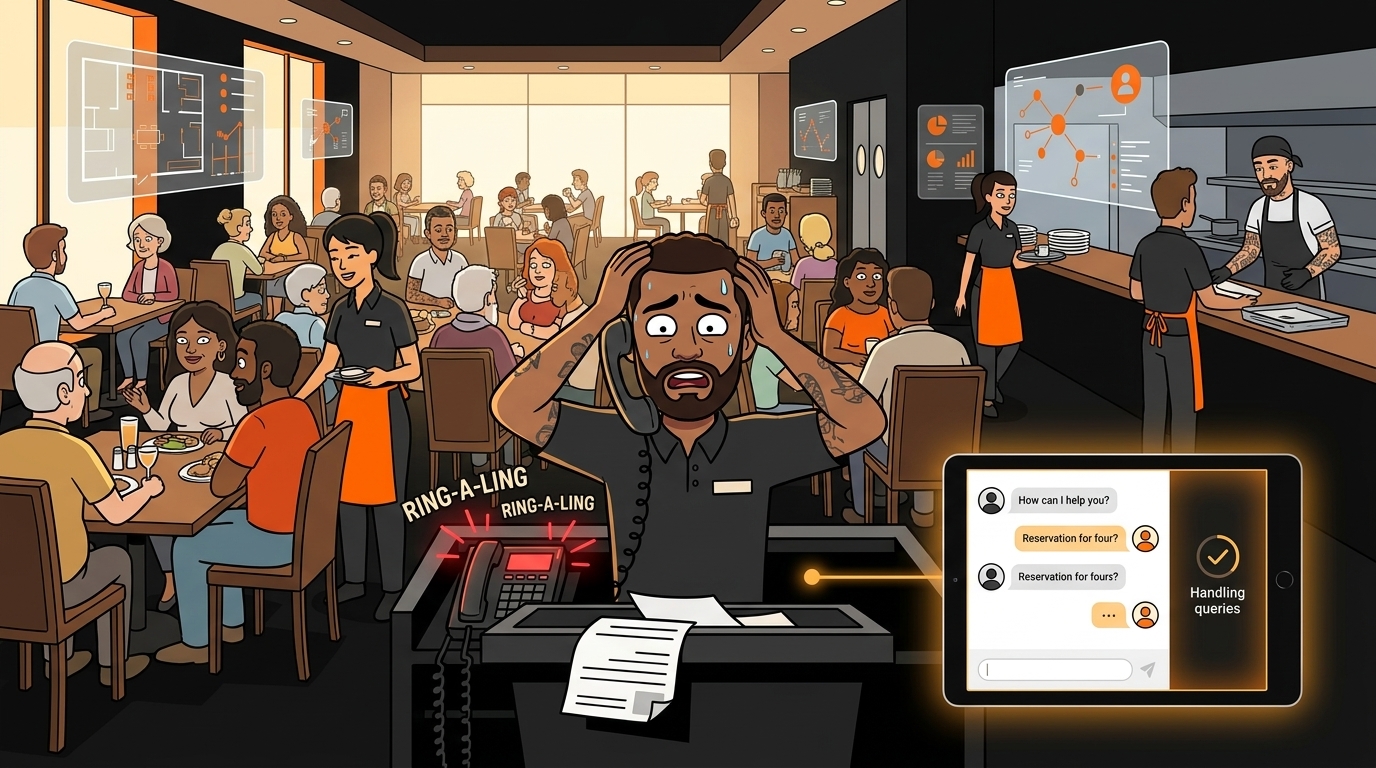
Your phone rings 47 times during lunch service. You know this because you counted last Tuesday when you were expo-ing and your host had to leave the stand to answer the same question for the sixth time. "Are you open on Mondays?" "Do you have gluten-free options?" "Can I make a reservation for 7?" Each call pulls someone away from a guest who's actually standing in your restaurant, spending money.
Here's the part that stings: about 38 of those 47 calls are the same five questions. You could train a parrot to answer them. And honestly, a parrot might be more reliable than the new host who keeps transferring calls to the kitchen during the dinner rush.
The good news is that a chatbot can handle all of those repetitive questions without ever leaving the host stand, getting distracted, or putting someone on hold while they figure out which extension is the manager's office.
Why Are Restaurants Getting Crushed by Phone Calls Right Now?
The average independent restaurant receives 30-80 phone calls per day, and according to Popmenu's 2025 restaurant technology survey, 67% of those calls are routine inquiries that don't require a human. That's staff time spent answering questions that have static answers - hours, location, menu items, basic reservation requests.
The problem got worse after COVID. Customers got used to digital ordering and now expect instant answers. When they call and get put on hold, they don't wait - they call the next restaurant on their Google search results. You just lost a table because nobody picked up in 15 seconds.
An AI chatbot sits on your website, your Google Business profile, or your Facebook page and answers those questions instantly. Not after a hold. Not after being transferred twice. Instantly.
What Exactly Can a Restaurant Chatbot Handle?
A well-configured restaurant chatbot answers the questions that have fixed answers. Think of it as a digital host stand that never takes a break.
What it handles well:
- Hours and location - "What time do you open?" "Where are you located?" "Is there parking?" These are the most common calls and the easiest to automate.
- Menu questions - "Do you have gluten-free options?" "What's in the spicy margarita?" "Is the pasta nut-free?" If you have an allergen guide or menu document, the chatbot can reference it.
- Reservations - Connected to OpenTable, Resy, or your booking system, the chatbot can check availability and suggest times. No hold music required.
- Takeout and delivery - "Do you do takeout?" "What's your delivery range?" "Can I order online?" The bot routes them to your ordering platform.
- Basic event inquiries - "Do you host private parties?" "What's the minimum for a buyout?" The bot collects details and sends them to your events manager.
- Complaints and service recovery
- Large party or catering requests with specific needs
- Menu modifications for severe allergies
- Anything involving money disputes
- Job applications
How Do You Set Up a Restaurant Chatbot Without a Developer?
You don't need to hire a developer or learn to code. Modern chatbot platforms are built for small business owners who don't have an IT department.
Step 1: Choose Your Platform
Start with where your customers already reach you. For most restaurants, that's one of three places:
| Platform | Best For | Setup Time | Cost | |----------|----------|------------|------| | Website widget | Restaurants with decent web traffic | 30-60 min | Free - $49/mo | | Google Business messaging | Restaurants that get found via Google Maps | 15-30 min | Free | | Facebook Messenger | Restaurants with active Facebook pages | 20-40 min | Free - $29/mo |
Website widgets (Tidio, Drift, Intercom, or restaurant-specific options like Owner.com) give you the most control. You customize the conversation flow, brand it to match your restaurant, and connect it to your booking system.
Google Business messaging is the lowest-friction option. Customers see a "Message" button on your Google listing and can chat without visiting your website. Google's built-in auto-replies handle basic questions, and you can add custom responses for your most common inquiries.
Facebook Messenger works well if your customer base skews toward the 35-55 demographic that still uses Facebook actively. ManyChat and Chatfuel are popular platforms that connect Messenger to your FAQ database.
Step 2: Build Your FAQ Knowledge Base
This is the most important step, and it takes about an hour. Sit down and write out every question your staff answers regularly. Here's a starter list:
- What are your hours? (Include holiday hours if they differ)
- Where are you located? (Include parking tips)
- Do you take reservations? (Link to booking)
- Do you have gluten-free/vegan/nut-free options?
- Do you do takeout/delivery?
- What's your dress code?
- Do you have a kids' menu?
- Do you have highchairs/booster seats?
- Can I bring my dog? (Patio only? Service animals?)
- Do you have a private dining room?
- What's the wait time right now? (If connected to a waitlist system)
- Do you have happy hour? When?
Step 3: Write the Responses
Each answer should be short, friendly, and include a next step. Don't write essays - people are chatting on their phones while deciding where to eat.
The good response answers the question and offers a next step. That's the pattern for every FAQ answer.
Step 4: Set Up Escalation Rules
Define exactly when the bot should hand off to a human. This is critical - a chatbot that tries to handle everything badly is worse than no chatbot at all.
- Customer uses words like "complaint," "wrong order," "sick," or "refund"
- Customer asks the same question three times (bot isn't understanding them)
- Customer explicitly asks for a human ("Can I talk to someone?")
- Conversation has gone more than 4 exchanges without resolution
Step 5: Connect to Your Reservation System
If you use OpenTable, Resy, Yelp Reservations, or Tock, most chatbot platforms have direct integrations. The bot can check real-time availability and either book directly or send the customer to your booking page.
If you take reservations by phone only, the chatbot can collect: name, party size, preferred date/time, and any special requests, then email or text that info to your host stand.
Step 6: Test Before Going Live
Have three or four staff members spend 15 minutes each trying to break the chatbot. Ask the weird questions: "Can I bring my emotional support peacock?" "Do you validate parking for the garage on 5th or just the lot?" "I'm allergic to everything except water - can you accommodate me?"
Track where the bot fails. Those are the gaps you need to fill before real customers interact with it.
Step 7: Monitor and Improve Weekly
The first month is the learning period. Review chat logs every Monday. Look for:
- Questions the bot couldn't answer (add them to your FAQ)
- Conversations that escalated unnecessarily (adjust escalation rules)
- Questions customers ask that you didn't expect (new FAQ entries)
- Drop-off points where customers stopped engaging
What Does This Actually Cost?
Most restaurants spend between $0-50/month on a chatbot platform. Here's the real breakdown:
| Solution | Monthly Cost | What You Get | |----------|-------------|--------------| | Google Business auto-replies | Free | Basic FAQ responses, message routing | | Tidio (free tier) | Free | 50 conversations/mo, basic FAQ bot | | Tidio (paid) | $29-49/mo | Unlimited conversations, integrations | | ManyChat (Messenger) | Free - $29/mo | Facebook + Instagram automation | | Owner.com | $49-99/mo | Restaurant-specific, ordering integration | | Custom build (developer) | $500-2,000 setup + $50-100/mo | Full customization, not recommended for most |
The ROI math is simple. If your host spends 2 hours per day answering routine calls, and you pay them $15/hour, that's $600/month in labor on phone calls alone. A $29/month chatbot that handles 75% of those calls saves you $421/month. And that's before you factor in the tables you're not losing to unanswered calls.
What Happens After You Deploy?
After 30 days, you should see three measurable changes:
- Phone call volume drops 50-70%. Your host can focus on greeting guests instead of answering "are you open?" for the eleventh time today.
- After-hours inquiries get answered. Most restaurant searches happen between 7-10 PM when people are deciding where to eat. A chatbot works 24/7. Your host does not.
- You get data you never had before. Chat logs show you exactly what customers want to know. If 40% of questions are about parking, maybe your website needs a parking page. If 25% ask about gluten-free, maybe that deserves more visibility on your menu page.
How Does This Connect to Your Broader AI Strategy?
A chatbot is the entry point - the lowest-risk, lowest-cost AI tool a restaurant can deploy. It handles a specific, measurable problem (phone call volume) with a clear ROI (labor savings + fewer lost tables).
Once you see how AI handles customer inquiries, you start thinking about what else it could handle. Scheduling. Inventory. Invoice processing. That's the natural progression, and it's exactly what our AI Readiness Check is designed to map out.
Want to see where AI fits your restaurant? Take our free AI Readiness Check - it takes 2 minutes and shows you which AI tools would have the biggest impact on your specific operation.
Next step
Choose the next practical step for your restaurant.
Check your restaurant's AI readiness or use the SWOT path to identify the most useful operational opportunities.
Keep reading
Related posts
More practical guidance for restaurant operators who want less busywork and better follow-through.
How to Automate Health Code Compliance Tracking
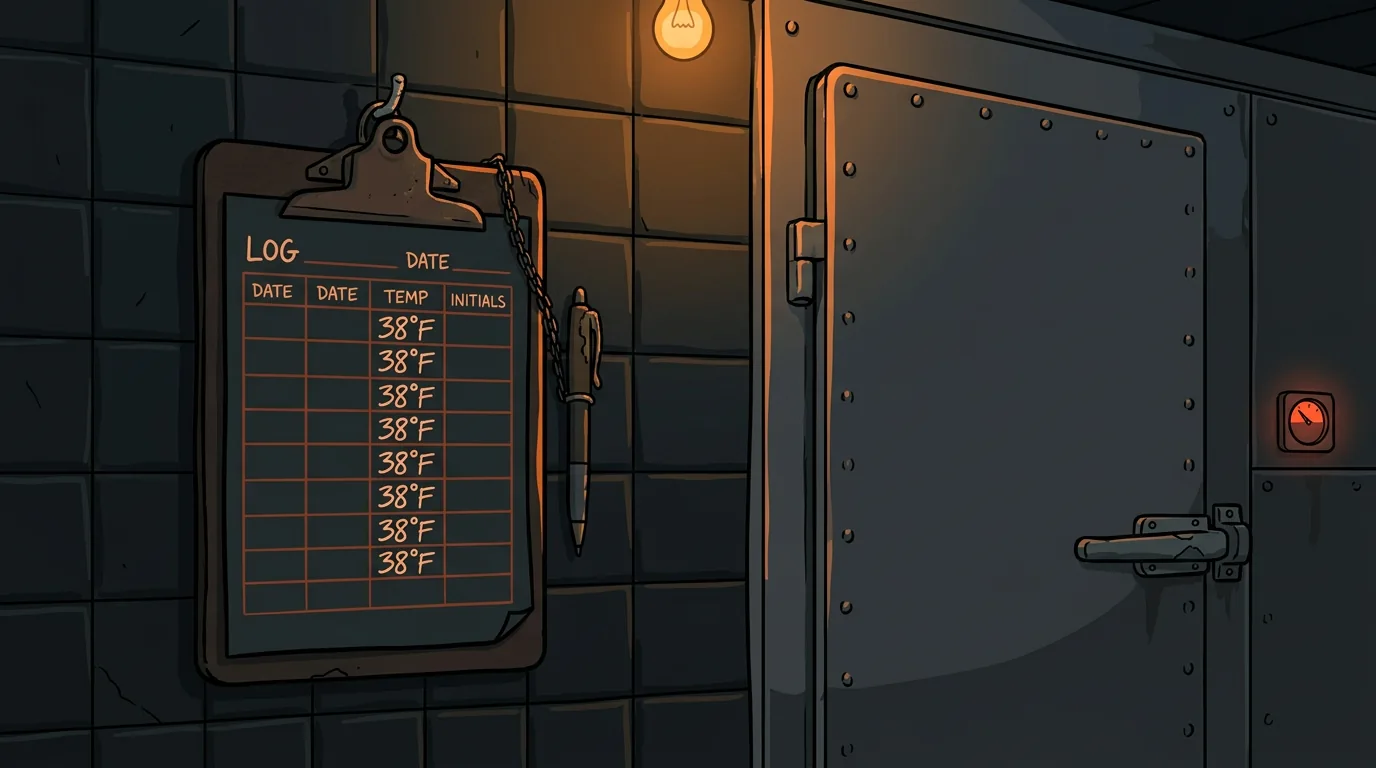
Your temp log says the walk-in was 38 degrees at 6 AM. Your dishwasher says he checked it. The health inspector finds it at 46 degrees at 10 AM. Nobody knows when it actually rose - or if it was ever
How to Set Up AI-Powered Invoice Processing for Your Restaurant
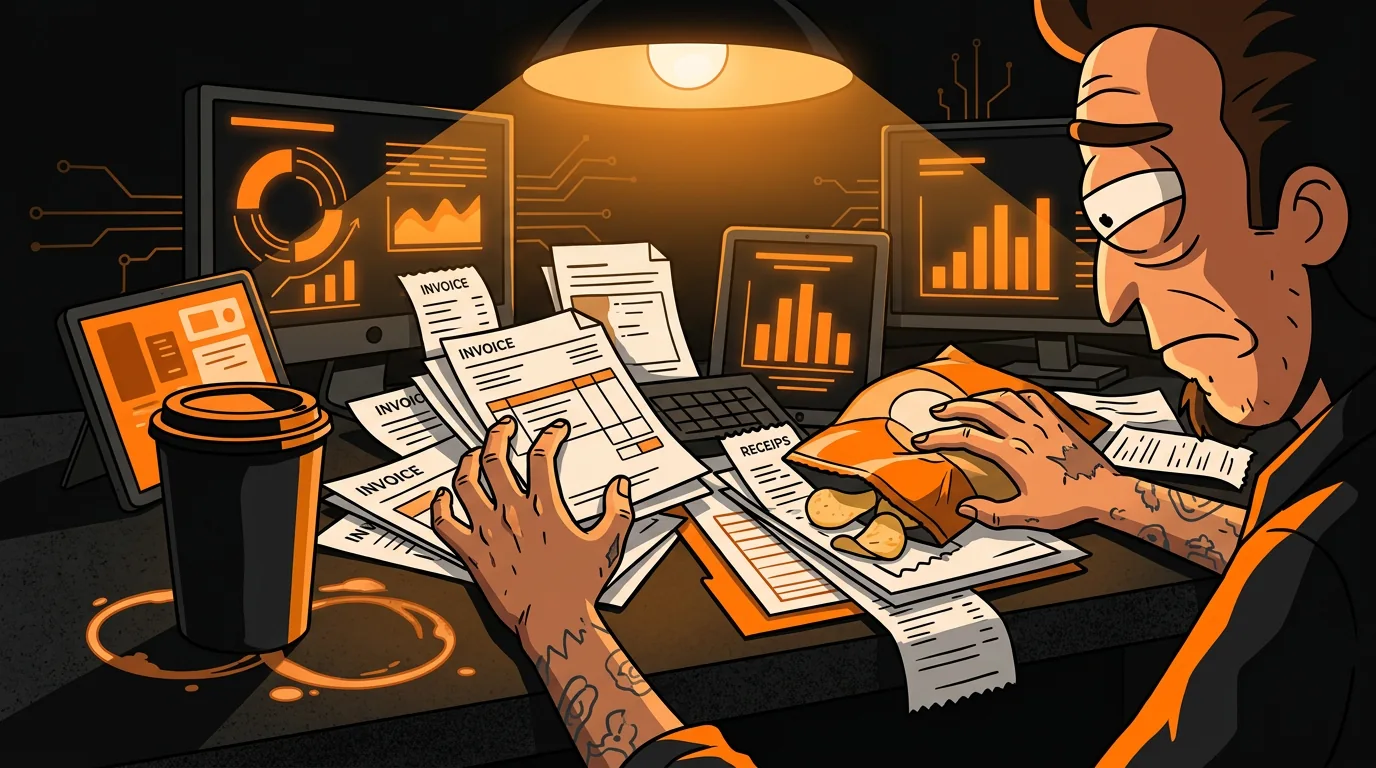
Your Sysco invoice came in on Tuesday. It's now Friday. The paper is sitting under a stack of takeout menus and a half-eaten bag of chips on the manager's desk. Nobody has entered it into the system.
How to Build an AI-Powered Call-Off Response System
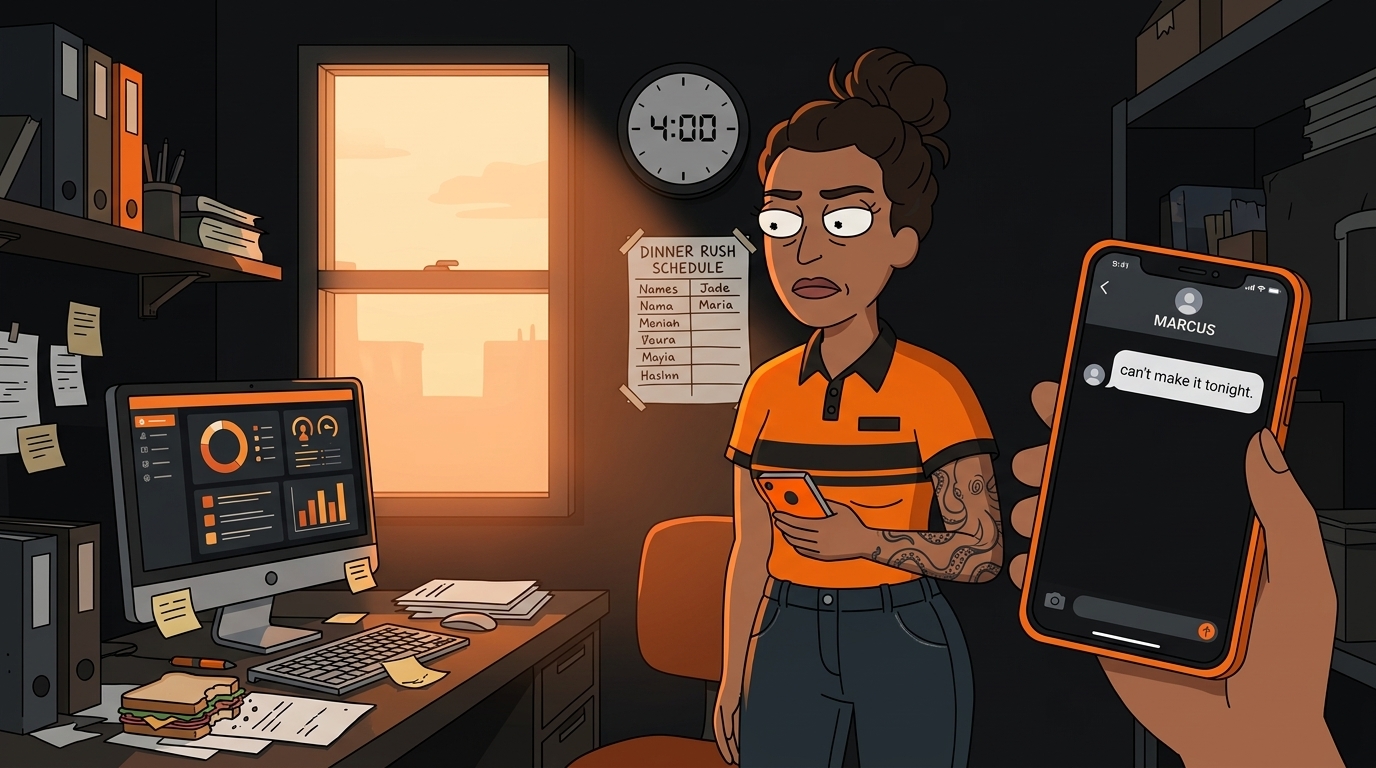
It's 4 PM on a Friday. Your best server just texted: "Hey, not feeling well, can't make it tonight." You have 90 minutes before the dinner rush. Your floor plan was already tight - now you're a body s