How to Automate Shift Swap Requests with AI Approval for Your Restaurant
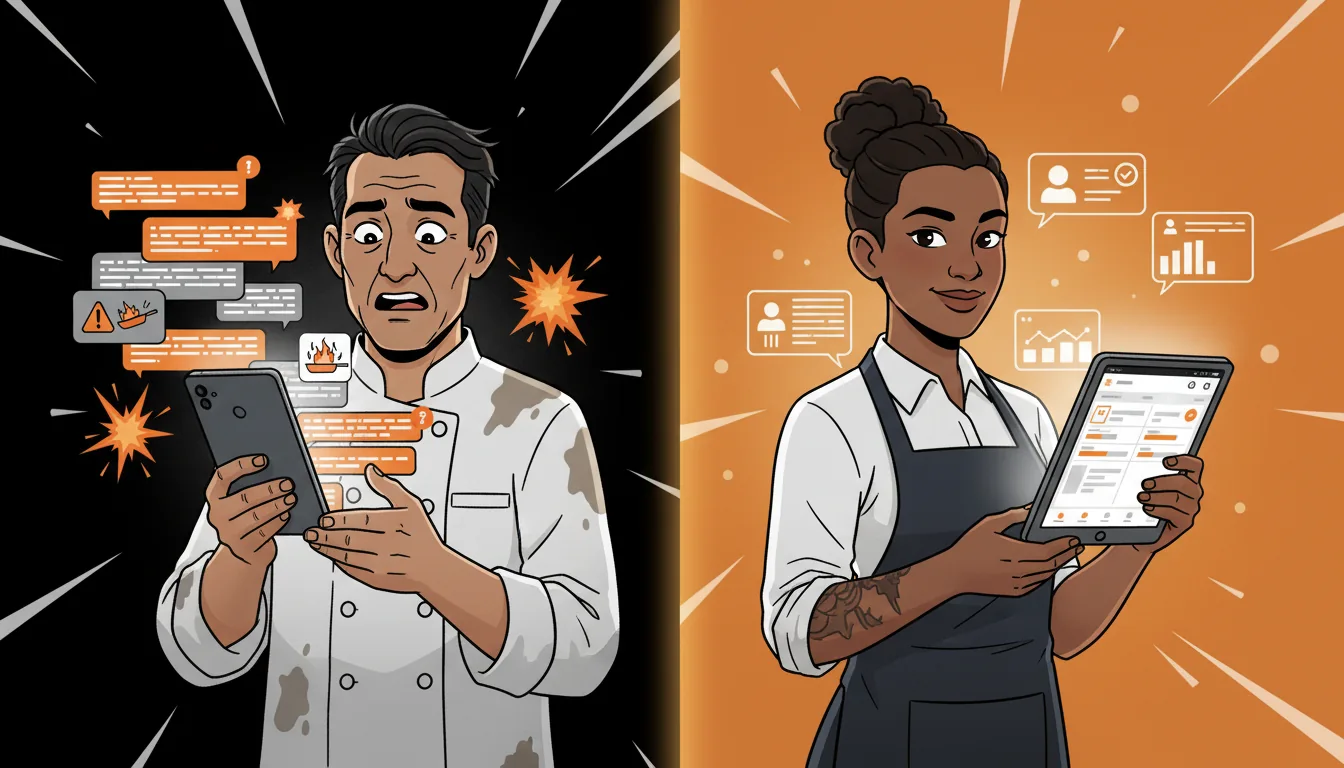
It starts with a text at 11 PM: "Hey can someone cover my Saturday?" Then three more texts. Then a group chat explosion. Then the manager spending 30 minutes figuring out who's qualified, who's already at overtime, and who's actually available. All for one shift swap. Multiply that by 5 to 10 swaps a week — which is normal for a restaurant with 20-plus staff — and your manager is burning 3 to 5 hours a week on shift logistics. That's not managing. That's being a human switchboard.
I've seen operators describe their scheduling process as "controlled chaos" and they're not wrong. The text chain approach to shift swaps works when you have 8 employees. It completely breaks down at 20. And the cost isn't just the manager's time — it's the errors. Someone gets approved for a swap that pushes them into overtime. Someone covers a shift they're not trained for. Someone doesn't get the message and shows up for a shift that was already covered. Each error costs money, morale, or both.
Step 1: Set Up a Centralized Swap Board — Kill the Text Chain
The first step is replacing the text chain with a single digital board where employees post swap requests. Everyone sees what's available. Nobody plays phone tag. The manager doesn't need to be the middleman.
This can be as simple as a shared channel in your scheduling app (7shifts, HotSchedules, and When I Work all have built-in swap features) or as basic as a dedicated Slack or Discord channel. What matters is visibility — every employee can see every open swap request, and every request has the same format.
The request should include: who's requesting, which shift (date, time, position), why they need it swapped (optional but helpful), and whether they need a full swap (someone takes their shift entirely) or partial coverage (someone covers the first half, they cover the second).
When employees post to a visible board instead of a text chain, three things happen. First, more people see the request, so swaps get filled faster. Second, the manager can see all open swaps in one place instead of scrolling through text messages. Third, patterns become visible — if the same person is swapping every Saturday, that's a signal worth investigating.
Step 2: Define Your Swap Rules — Write Them Down So AI Can Enforce Them
Before you automate anything, you need to write down your swap rules. Most managers have these rules in their head but not on paper. The AI can't read your mind — it needs explicit criteria.
Here are the rules to define:
Role restrictions. Can a server swap with a bartender? Can a line cook swap with a prep cook? Most restaurants require same-role swaps. Write it down.
Skill level requirements. If the shift requires someone who can work the grill station, only employees trained on grill should be eligible. Map your positions to skill requirements.
Overtime limits. Will this swap push the covering employee into overtime? If your policy is no unscheduled overtime, the AI needs to check hours before approving.
Availability conflicts. Is the covering employee already scheduled that day? Do they have a clopen (close then open)? Are they approaching maximum hours for the week?
Seniority or tenure rules. Some restaurants give priority to senior staff for desirable shifts. If that's your policy, encode it.
Minimum notice period. How far in advance must a swap be requested? 24 hours? 48 hours? Same-day swaps need different approval than next-week swaps.
Write these rules down in a simple decision tree. When X, approve. When Y, flag for manager review. When Z, deny. This decision tree becomes the logic your AI enforces.
Step 3: Let AI Check Compliance Before Approval — Automate the Decision Tree
Once your rules are written down, the AI can handle the first pass of every swap request. When a request comes in, the system checks:
- Does the replacement have the right skills? Compare the shift requirements against the covering employee's skill profile. If the shift needs a grill cook and the replacement is only trained on sauté, flag it.
- Will this push anyone into overtime? Check the covering employee's scheduled hours for the week. If adding this shift puts them over 40 hours (or whatever your overtime threshold is), flag it.
- Is the replacement already scheduled that day? Check for conflicts — same-day shifts, clopen situations, or maximum hours exceeded.
- Does this meet the minimum notice requirement? If the swap is requested less than 24 hours before the shift, flag it for manager review.
If any check fails, flag it for manager review with the specific issue noted: "Swap flagged: Maria would hit 42 hours this week (overtime threshold: 40). Approve or deny?"
This turns a 30-minute manager mediation into a 30-second review of edge cases. The AI handles the 80% of swaps that are straightforward. The manager handles the 20% that need judgment.
Step 4: Auto-Notify Affected Parties — Keep Everyone in the Loop
Communication failures are the number-one source of swap-related chaos. The employee who requested the swap doesn't know if it was approved. The covering employee doesn't know what time to show up. The manager doesn't know if both parties confirmed.
Automated notifications fix this. When a swap is approved (either automatically or by the manager), both employees get instant notification with the details:
- "Swap approved: Maria covers Jake's Saturday dinner shift (4 PM - 11 PM, Grill Station). Jake: you're off. Maria: see you Saturday."
- "Swap denied: Alex would exceed 40 hours this week. Manager has been notified and will review."
For pending reviews, the notification includes the specific issue and a one-tap approve/deny option: "Swap request: Taylor wants Riley to cover Sunday brunch. Issue: Riley is only trained on line, not expo. Approve or deny?"
This keeps the manager informed without making them the bottleneck. They only see the swaps that need their attention.
Step 5: Track Swap Patterns — Find the Signals in the Noise
After 30 days of automated swap tracking, you'll have data that tells you things you couldn't see before:
Frequent swappers. If one employee is swapping 3 or more shifts a month, that's a burnout signal or a scheduling mismatch. Maybe they're being scheduled for shifts they don't want. Maybe they're overcommitted. Either way, it's a conversation worth having.
Hard-to-cover shifts. If the same Saturday dinner shift gets posted for swap every week, you have a staffing problem — not a swap problem. Maybe you need another grill cook. Maybe Saturday dinner needs a better incentive structure.
Cross-training gaps. If swaps keep getting flagged because replacements aren't trained on certain stations, that's a training investment worth making. The data tells you exactly which stations are understaffed.
Overtime patterns. If swaps are regularly hitting overtime limits, your base schedule needs adjustment. The AI can flag these patterns and suggest schedule modifications.
This data turns shift swaps from a reactive headache into a proactive staffing tool. Instead of just managing swaps as they happen, you can predict and prevent the underlying issues.
Step 6: Integrate with Your Scheduling Platform — Eliminate Double Entry
The final step is connecting the swap system to your scheduling platform so approved swaps automatically update the schedule. No double entry. No "I forgot to update the schedule" situations.
If you're using 7shifts, HotSchedules, or When I Work, these platforms have APIs that allow external systems to modify schedules. The swap approval triggers an API call that updates the schedule in real time.
If your scheduling platform doesn't have an API (or you're still using spreadsheets), the swap system can generate a daily change log that the manager applies manually. It's not as seamless, but it still eliminates the text chain chaos and the compliance checking.
The integration matters because schedule accuracy is everything. If the schedule says Jake is working but Jake swapped out three days ago, someone is going to show up short-staffed. Automatic updates eliminate that risk entirely.
What Happens After You Automate Shift Swaps?
The immediate impact is time savings. Managers who spent 3 to 5 hours a week on swap logistics get that time back. They spend it on the floor, training staff, improving service — things that actually grow the business.
The secondary impact is accuracy. Overtime violations from swaps drop to near zero. Skill mismatches get caught before they cause problems. Communication failures disappear because everyone gets notified automatically.
The long-term impact is data. After a few months, you'll have a clear picture of your staffing patterns — who swaps, when, why, and which shifts are hardest to cover. That data informs hiring decisions, cross-training priorities, and schedule design. You stop reacting to problems and start preventing them.
Want to See Where Your Restaurant's Biggest AI Opportunities Are?
If you're tired of being the human switchboard for shift swaps, take our free AI Readiness Quiz. It takes 2 minutes and shows you exactly where your restaurant has the biggest automation opportunities — scheduling, inventory, compliance, and more.
We built this quiz after seeing the same pattern in dozens of restaurants: managers burning hours on logistics that should be automated. The quiz maps your current workflows and shows you where AI can give you that time back.
Next step
Choose the next practical step for your restaurant.
Check your restaurant's AI readiness or use the SWOT path to identify the most useful operational opportunities.
Keep reading
Related posts
More practical guidance for restaurant operators who want less busywork and better follow-through.
How to Automate Health Code Compliance Tracking
Your temp log says the walk-in was 38 degrees at 6 AM. Your dishwasher says he checked it. The health inspector finds it at 46 degrees at 10 AM. Nobody knows when it actually rose - or if it was ever
How to Set Up AI-Powered Invoice Processing for Your Restaurant
Your Sysco invoice came in on Tuesday. It's now Friday. The paper is sitting under a stack of takeout menus and a half-eaten bag of chips on the manager's desk. Nobody has entered it into the system.
How to Build an AI-Powered Call-Off Response System
It's 4 PM on a Friday. Your best server just texted: "Hey, not feeling well, can't make it tonight." You have 90 minutes before the dinner rush. Your floor plan was already tight - now you're a body s