How to Use AI to Improve Your Restaurant's Google Business Profile
Your Google Business profile is the first impression 90% of new customers have of your restaurant. And you last updated it 8 months ago. The photos are stale, the hours are wrong for the holiday schedule, and the three negative reviews from last month are sitting there unanswered.
While you were busy running your restaurant, Google became the front door. Customers find you on Google Maps before they ever see your sign. They read your reviews before they taste your food. They check your hours before they call. And if any of that information is wrong or outdated, they're going somewhere else.
60% of people find a restaurant through Google Search or Maps before visiting. That's not a projection, that's Google's own data. Your Google Business Profile isn't a "set it and forget it" listing. It's a living, breathing marketing asset that needs the same attention as your menu.
What Does AI Do for Your Google Business Profile?
AI tools for Google Business Profile management do three things: monitor reviews, suggest responses, and track local search performance. Some tools also update hours, menu items, and photos automatically based on your input.
Here's what that looks like in practice:
- A 2-star review comes in at 11 PM complaining about wait times. By 7 AM, the AI has drafted a personalized response ready for your approval.
- Your Saturday lunch volume data shows a pattern. The AI suggests updating your "Popular Times" info to set better customer expectations.
- A customer asks a question through Google ("Do you have outdoor seating?"). The AI answers it based on your business info before you even see the question.
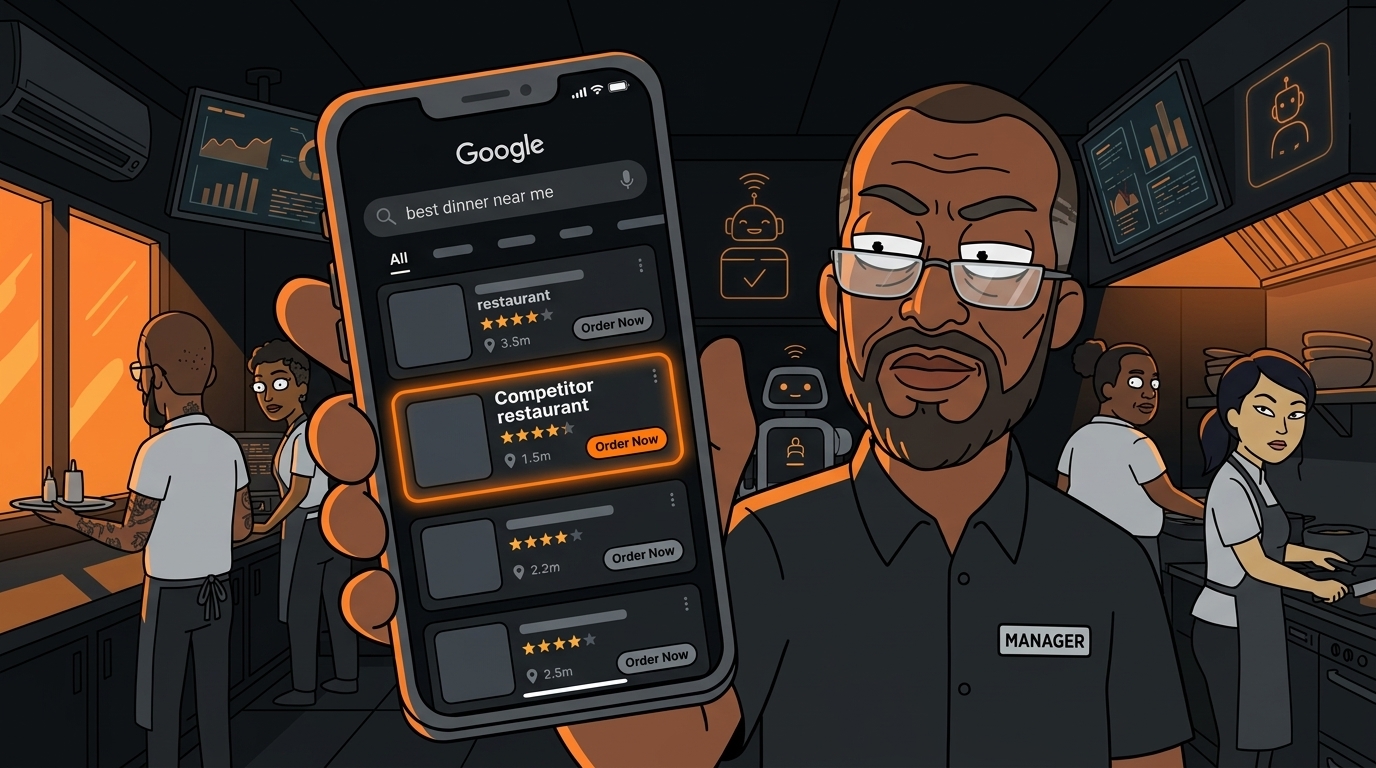
- Your competitor across the street just added new photos and got 15 reviews this week. The AI flags this so you know what you're up against.
Step 1: Audit Your Current Profile
Before adding any AI tools, do a manual audit. Open your Google Business Profile and check everything.
This audit takes 30 minutes. Do it now, before adding AI. The AI can improve, but it can't fix fundamental errors in your listing.
Step 2: Set Up AI Review Monitoring
Reviews are the most impactful part of your Google profile. They affect both customer decisions and search ranking. Google has confirmed that review quantity, quality, and recency are ranking factors.
AI review monitoring does three things:
Alerts you to new reviews in real time. No more discovering a 1-star review from 3 weeks ago. Most tools send a push notification within minutes of a new review posting.
Performs sentiment analysis. The AI categorizes reviews by sentiment (positive, neutral, negative) and flags themes. If three reviews in the past month mention "slow service," that's a pattern, not a coincidence. You can address the operational issue before it becomes a reputation problem.
Drafts response templates. For positive reviews, a quick thank-you with a personalized detail ("Glad you loved the short ribs, they're our chef's specialty!"). For negative reviews, an acknowledgment of the issue with a resolution path ("Sorry about the wait time on Saturday. We've added staff for weekend dinners. Would love to give you a better experience next time.").
You approve every response before it posts. The AI drafts, you edit and send. This keeps the human touch while cutting response time from days to hours.
Step 3: Generate and Manage Review Responses
Here's the workflow that works:
- Review comes in (positive or negative)
- AI drafts a response within the hour, personalized to the specific review content
- You get a notification with the draft and a one-tap approve/edit option
- You approve or edit and the response posts
- AI logs the interaction for your weekly review report
- Thank them by name if available
- Reference something specific they mentioned
- Invite them back
- Keep it under 3 sentences
- Acknowledge the specific issue (don't be generic)
- Apologize without making excuses
- Offer a resolution path (come back, contact us, etc.)
- Take the conversation offline if needed
- Respond within 24 hours (Google's recommended timeframe)
Step 4: Track Local Search Performance
Google Business Profile has built-in insights, but they're basic. AI tools layer on top to give you more actionable data.
Key metrics to track:
- Search queries: What terms are people using to find you? If "Thai restaurant near me" drives 60% of your traffic but your primary category is just "Restaurant," you're leaving traffic on the table.
- Customer actions: How many people clicked for directions, called you, or visited your website? These are intent signals. If directions are high but calls are low, people are walking in without reservations.
- Photo views: How do your photos compare to similar businesses? If competitors' photos get 3x your views, your photos need work.
- Review velocity: How many reviews are you getting per week? If it's less than 2-3, you're falling behind competitors who actively solicit reviews.
Step 5: Get Found by AI Recommendations
This is the emerging frontier. Customers are increasingly asking AI assistants (Google's AI Overviews, ChatGPT, Perplexity) for restaurant recommendations. MediaPost reported that QSRs are largely absent from AI-generated recommendations.
Why? Because AI recommendation engines pull from structured data. If your Google Business Profile has complete categories, accurate attributes, recent reviews mentioning specific dishes, and current hours, you're more likely to appear in AI-generated recommendations.
If your profile is sparse, outdated, or has unanswered negative reviews, you're invisible to the AI layer that's increasingly mediating customer decisions.
Improvement steps:
- Fill out every attribute Google offers
- Keep hours updated (especially holidays and seasonal changes)
- Encourage customers to mention specific dishes in reviews ("Try the pad thai!")
- Respond to every review (AI assistants factor in owner responsiveness)
- Add Google Posts weekly (events, specials, updates)
- Upload new photos monthly (food, interior, exterior, team)
Step 6: Update Seasonally
Your restaurant changes with the seasons. Your Google profile should too.
The AI can suggest these updates based on your menu changes and seasonal patterns, but you need to provide the photos and content. Think of it as a quarterly marketing task, not a daily burden.
What Happens After You Improve Your Google Profile?
The results come in stages. First week: you fix the obvious errors (wrong hours, stale menu, unanswered reviews). Customers stop showing up to a closed restaurant or ordering items you don't serve anymore.
First month: review response time drops from days to hours. Your average review rating ticks up by 0.2-0.3 stars because you're addressing negative reviews instead of ignoring them. Google starts showing your profile more often in local searches.
Second month: you notice new customers mentioning Google. "I found you on Maps" or "Your reviews were great." Direction requests and phone calls increase. The AI recommendation engines start including you in responses because your profile data is complete and current.
Third month: you're getting 3-5 more reviews per week than before. Your search ranking has improved. You're appearing in "near me" searches that you weren't before. The compound effect of consistent profile management is real and measurable.
Your Google Business profile is the cheapest marketing you have. It costs nothing to maintain. It drives more customers than your Instagram. And with AI, it practically runs itself. The only cost is the 30 minutes you spend on setup and the 5 minutes per week you spend approving responses.
Want to see where your restaurant stands online? Take our free AI Readiness Check - it takes 2 minutes.
Next step
Choose the next practical step for your restaurant.
Check your restaurant's AI readiness or use the SWOT path to identify the most useful operational opportunities.
Keep reading
Related posts
More practical guidance for restaurant operators who want less busywork and better follow-through.
How to Use AI to Handle Shift Call-Outs Without Manager Scrambling
It's 10 AM on a Saturday. Your 6 PM line cook just texted "can't make it." You have 8 hours and 30 contacts to call. Here's how an AI agent handles this in under 2 minutes - without you touching your
How to Build an AI Layer on Top of Toast POS
Your Toast POS captures every transaction, every labor hour, every menu item sold. It gives you charts. What it doesn't give you is a recommendation. Here's how to build the layer that turns your data

How to Use AI to Detect Overtime Before It Happens in Your Restaurant
You just ran payroll. Three servers hit overtime last week. One racked up 12 hours of time-and-a-half. You didn't know until the damage was already done.