How to Use AI to Detect Overtime Before It Happens in Your Restaurant
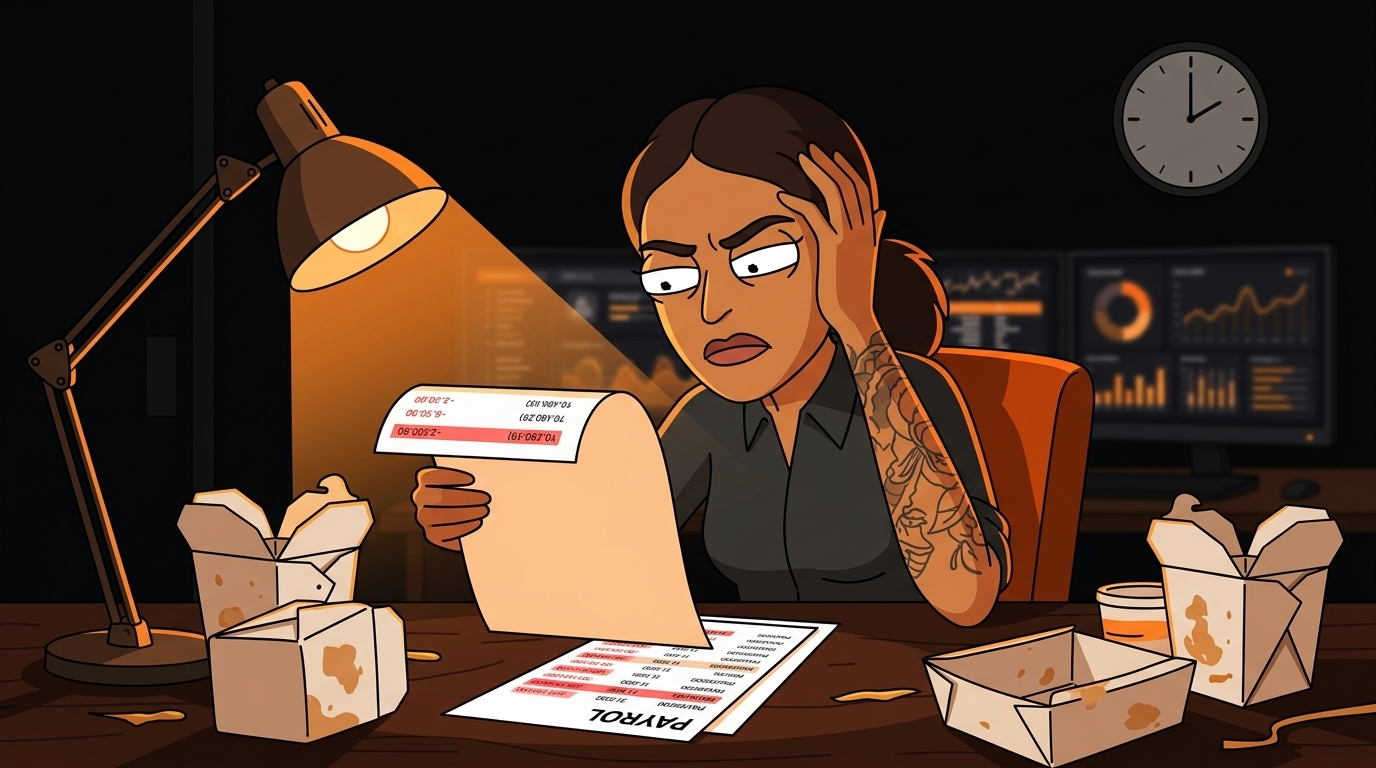
You just ran payroll. Three servers hit overtime last week. One racked up 12 hours of time-and-a-half. You didn't know until the damage was already done.
Sound familiar? The National Restaurant Association reports that labor costs eat up 30-35% of revenue for most restaurants, and overtime is one of the sneakiest line items blowing up that number. It's not that your managers are careless. It's that tracking hours across a rotating crew of part-timers, full-timers, and "can you cover tonight?" texts is mathematically impossible to do by hand.
Here's the thing: you can catch overtime before it happens. Not with a spreadsheet you update on Sundays. Not with a gut feeling. With an AI agent that watches your time clocks in real time and texts your manager when someone is about to cross 40 hours.
Why Does Overtime Always Surprise Restaurant Owners?
Overtime surprises you because it's a lagging indicator. By the time you see it on payroll, the money's already spent. You can't un-pay someone for hours they already worked.
Most restaurants discover overtime in one of two ways:
- The payroll run - your bookkeeper flags it after the fact
- The quarterly review - your accountant tells you labor costs spiked three months ago
The math is brutal. Say you have 15 hourly employees. If just 3 of them hit 5 hours of overtime per week at $18/hour base rate (time-and-a-half = $27/hour), that's $405/week in unplanned overtime. Over a year, that's $21,060. Enough to buy a new walk-in cooler.
How Does AI Predict Overtime Before It Happens?
An overtime detection agent connects to your existing time-tracking and scheduling systems, pulls real-time clock-in data, and runs predictions against your staffing patterns. It doesn't wait for the week to end. It watches mid-week and flags when someone is trending toward the cliff.
Here's what the system tracks:
- Current hours - pulled from your time clock (7shifts, When I Work, HotSchedules, or even your POS system)
- Scheduled hours - what's already on the schedule for the rest of the week
- Historical patterns - how often this employee picks up extra shifts, stays late, or gets called in
- Threshold alerts - configurable warnings at 32, 36, and 38 hours (before the 40-hour cliff)
What Do You Need to Set This Up?
You need three things, and you probably already have two of them.
1. A Time-Tracking System
If your employees clock in and out - through 7shifts, HotSchedules, When I Work, or even your POS terminal - you already have this. The agent pulls clock-in data via API or integration.
7shifts has a well-documented REST API with OAuth 2.0. Their API exposes time punch data, scheduled shifts, and employee records. If you're on 7shifts, the integration is straightforward.
When I Work and HotSchedules have similar APIs, though the documentation quality varies. Most scheduling platforms now offer webhooks that fire on clock-in events - the agent subscribes to those and updates its model in real time.
If you're still using paper timesheets or a basic POS clock-in without an API, you'll need to digitize first. That's Step 1 of the setup process below.
2. Overtime Rules (Your State's Labor Laws)
Overtime rules aren't uniform. Most states follow the federal standard (40 hours/week), but California has daily overtime rules (8 hours/day), and some states have different thresholds for certain industries.
Your agent needs to know:
- Weekly threshold - usually 40 hours
- Daily threshold - 8 hours in California, 0 in most other states
- Consecutive day rules - some states require overtime after 6 consecutive days
- Holiday rules - whether holidays count toward overtime thresholds
3. Manager Contact Info
The agent needs to know who to alert. Set up the escalation chain:
- Level 1 (employee hits 32 hours): Log only, no alert
- Level 2 (employee hits 36 hours): Text to shift manager
- Level 3 (employee hits 38 hours): Text to GM + owner
- Level 4 (employee hits 39 hours): Emergency alert with suggested schedule adjustments
How Do You Set Up the Overtime Detection Agent?
Here's the step-by-step setup process. Most restaurants can have this running in under a week.
Step 1: Connect Your Time-Tracking System
Start by auditing what you're using for time tracking. List every system where employees clock in:
- Scheduling platform (7shifts, When I Work, HotSchedules)
- POS terminal (Toast, Square, Clover - many have built-in time clocks)
- Standalone time clock (Homebase, TSheets, Deputy)
- Paper timesheets (you'll need to digitize these first)
If you're on paper timesheets, start with a low-cost digital time clock like Homebase (free for 1 location) or Deputy ($3.50/user/month). Get everyone clocking in digitally for 2 weeks before activating the overtime agent - it needs baseline data to build predictions.
Step 2: Configure Your Overtime Rules
Tell the agent your rules:
- State: (e.g., Texas - federal standard, 40 hrs/week)
- Pay periods: Weekly? Biweekly? Semi-monthly?
- Overtime rate: 1.5x (standard) or 2x (some union contracts)
- Thresholds for alerts: 32, 36, 38, 39 hours
Step 3: Set Up the Predictive Model
This is where the AI earns its keep. The agent looks at:
- Current hours to date - how many hours has this person worked this pay period?
- Remaining scheduled shifts - if they're on the schedule for 3 more shifts of 6 hours each, they're going to hit 38+ hours
- Historical patterns - does this employee frequently pick up extra shifts? Do they stay late? Does the manager often call them in?
- Department patterns - kitchen staff tends to hit overtime more than front-of-house in most restaurants
Step 4: Configure Real-Time Alerts
Set up your alert channels:
- Text message (SMS or WhatsApp) - primary channel for managers
- Email - secondary, for owner/GM oversight
- Dashboard notification - if you use a management dashboard, the agent posts there too
- Employee name
- Current hours this period
- Projected hours for the week (based on remaining scheduled shifts)
- Hours until overtime threshold
- Suggested action: "Consider releasing early on Thursday" or "Swap Saturday shift with [employee B]"
Step 5: Generate Schedule Adjustment Suggestions
The agent doesn't just warn you - it suggests fixes. When an employee is trending toward overtime, the agent:
- Identifies swap candidates - which other employees have available hours and the same skills/position?
- Calculates the savings - "Swapping Maria's Saturday shift with Jake saves $81 in overtime"
- Drafts the text - pre-written message to send to the swap candidate: "Hey Jake, Maria needs coverage Saturday 11-7. You're at 28 hours this week. Interested?"
Step 6: Track Savings and Prove ROI
Every prevented overtime event gets logged. The agent tracks:
- Employee name
- Hours that would have been overtime
- Dollar amount saved
- Action taken (shift swap, early release, schedule adjustment)
That report goes to the owner. It's the proof that the system is working. Most restaurants see the agent pay for itself within the first 2 weeks of deployment.
What Happens After You Deploy This?
After 30 days of running the overtime detection agent, here's what typically changes:
One restaurant owner I talked to was spending $3,200/month in unplanned overtime across two locations. After deploying the agent, that number dropped to $800/month. The agent cost less than $100/month. The ROI math isn't even close.
How Much Does an Overtime Detection Agent Cost?
The cost breaks down into three parts:
| Component | Cost Range | Notes | |-----------|-----------|-------| | Scheduling platform | $0-4/user/month | 7shifts, When I Work, Homebase (free tier available) | | AI agent setup | $50-200 one-time | Depends on platform complexity and integration count | | Ongoing monitoring | $50-150/month | Agent runs 24/7, processes every clock-in event |
Most restaurants spend between $50-150/month total for the agent plus the scheduling platform they already pay for. If you're already on 7shifts or When I Work, the incremental cost is just the agent - typically $50-100/month.
Compare that to the $2,000-3,000/month in overtime you're probably leaking right now. The break-even point is usually in the first pay period.
Can You Do This Without AI?
Technically, yes. You could:
- Have a manager check everyone's hours every day
- Build a spreadsheet that tracks cumulative hours against the threshold
- Text employees when they're approaching 40 hours
- Manually identify swap candidates
The AI agent does it in real time, every day, for every employee, with zero manager time spent on monitoring. The manager only acts when the agent flags a problem and suggests a solution.
What's the Biggest Mistake Restaurants Make with Overtime?
The biggest mistake is treating overtime as a management failure instead of a data problem. Most overtime isn't caused by lazy managers or irresponsible employees. It's caused by:
- Understaffing - you don't have enough people to cover the hours without someone going over
- Scheduling gaps - the schedule doesn't account for prep time, breakdown time, or the inevitable "can you stay an extra hour?"
- No real-time visibility - by the time you know someone's at 38 hours, they've already clocked in for their next shift
Curious how much overtime is leaking from your restaurant? Take our free 2-minute AI readiness quiz to find out where automation fits your operation. Start the quiz here →
Next step
Choose the next practical step for your restaurant.
Check your restaurant's AI readiness or use the SWOT path to identify the most useful operational opportunities.
Keep reading
Related posts
More practical guidance for restaurant operators who want less busywork and better follow-through.
How to Use AI to Handle Shift Call-Outs Without Manager Scrambling
It's 10 AM on a Saturday. Your 6 PM line cook just texted "can't make it." You have 8 hours and 30 contacts to call. Here's how an AI agent handles this in under 2 minutes - without you touching your
How to Build an AI Layer on Top of Toast POS
Your Toast POS captures every transaction, every labor hour, every menu item sold. It gives you charts. What it doesn't give you is a recommendation. Here's how to build the layer that turns your data
What Taco Bell's 900-Location Voice AI Expansion Means for Your Restaurant
Taco Bell just scaled voice AI to 900 drive-thru locations. Omilia is powering it. Five major outlets covered it this week. And every independent restaurant owner I know had the same reaction: "Great.