How to Build an AI Training Schedule That Minimizes Disruption
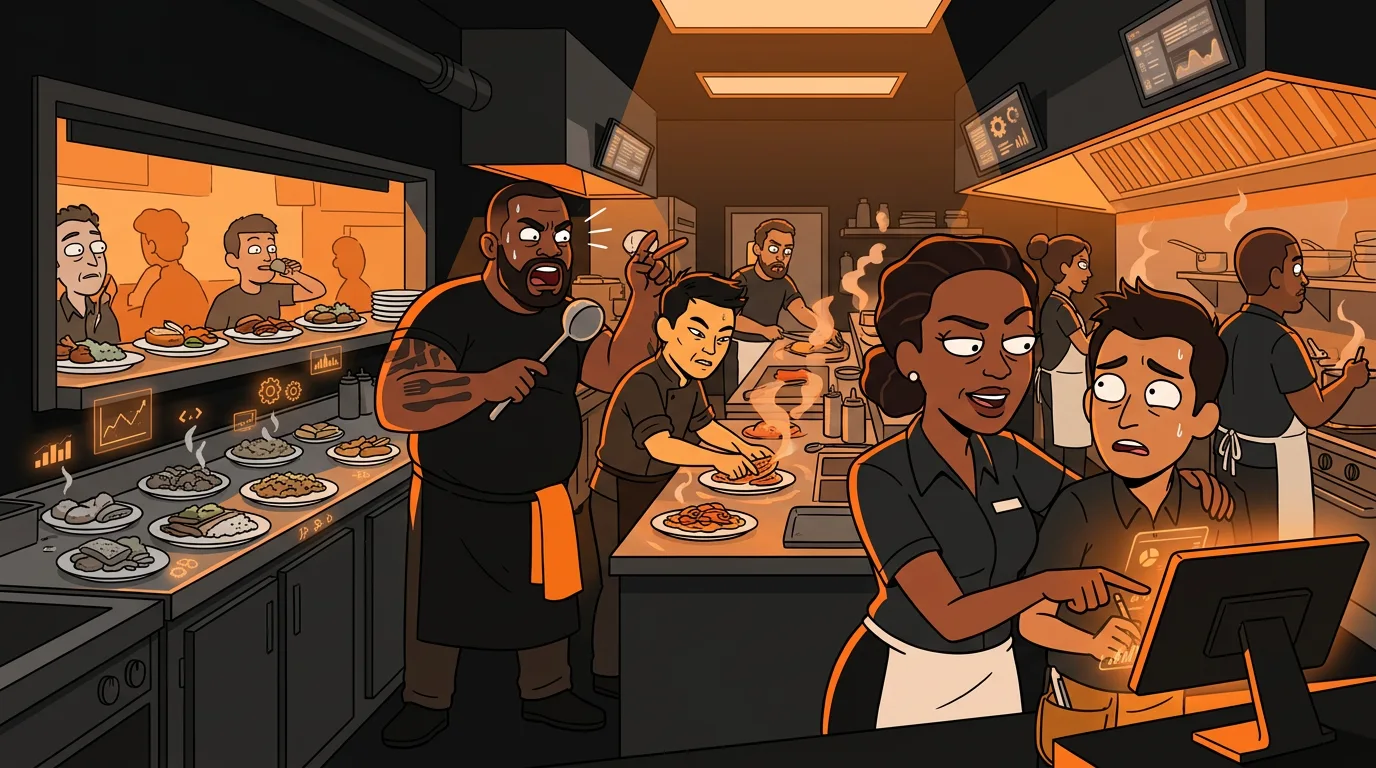
Your best server is training the new hire on a Saturday night. The kitchen is in the weeds. Tables are waiting. Food is dying in the window. The new person is asking how to split a check while three parties are flagging down your server for refills. Service quality drops, tips drop, and your best server comes home exhausted - not from doing their job, but from doing two jobs at once.
This is the training paradox. Put new hires on busy shifts and they get overwhelmed, your service suffers, and your experienced staff resents them. Put them on slow shifts and they don't learn enough - they coast through Tuesday lunch and then panic when Friday dinner hits. There's no good time to train, so most restaurants just wing it.
The fix isn't choosing between busy and slow. It's building a training schedule that matches learning milestones to the right volume levels at the right time. AI scheduling tools can do this automatically by analyzing your historical volume data and mapping it against what new hires need to learn.
Why Does Restaurant Training Usually Fail?
Restaurant training fails for three predictable reasons. None of them are about the trainee's ability.
Reason 1: No structure. Most restaurants throw new hires on the floor and hope they figure it out. "Follow Sarah around for a week" isn't a training plan - it's a prayer. The National Restaurant Association reports that 60% of new restaurant employees leave within the first 90 days. A big chunk of that is because they never felt competent enough to succeed.
Reason 2: Wrong timing. Training happens when it's convenient for the schedule, not when it's optimal for learning. The new dishwasher trains on the busiest night because that's when they're needed. They spend the whole shift overwhelmed and learn nothing except that they hate the job.
Reason 3: No feedback loop. After the first week, nobody checks whether the training actually worked. The new hire seems "fine" so they get thrown into the rotation. Three weeks later, they're making the same mistakes they would have made on day two.
The Harri 2026 workforce survey found that 38% of restaurant managers say scheduling is their number one operational challenge. Training scheduling is a subset of that problem, and it's the one with the highest stakes - because a bad training experience means you're back to hiring again in 60 days.
How Do You Map Your Actual Volume Patterns?
Before you can build a smart training schedule, you need to know when your restaurant is actually busy and slow. Not your gut feeling - the real data.
Pull 8 weeks of hourly sales data from your POS. Most systems (Square, Toast, Lightspeed, Clover) can generate this report. You want total revenue and transaction count by hour, by day of week.
Here's what most operators discover when they look at the data:
- Tuesday and Wednesday lunch are slower than they thought (30-40% of Friday dinner volume)
- Thursday dinner is busier than they expected (70-80% of Friday)
- Saturday lunch varies wildly week to week
- Sunday brunch has a predictable peak between 10 AM and 12 PM
For a typical full-service restaurant, the pattern looks like this:
| Time Slot | Mon | Tue | Wed | Thu | Fri | Sat | Sun | |-----------|-----|-----|-----|-----|-----|-----|-----| | 6-10 AM | Slow | Slow | Slow | Slow | Slow | Moderate | Busy | | 10 AM-2 PM | Moderate | Slow | Slow | Moderate | Moderate | Busy | Peak | | 2-5 PM | Slow | Slow | Slow | Slow | Moderate | Moderate | Moderate | | 5-9 PM | Moderate | Moderate | Moderate | Busy | Peak | Peak | Busy |
Your numbers will be different. The point is to use real data, not assumptions.
What Are the Training Milestones?
Not all training is the same. A new hire learning to use the POS system has different needs than someone learning to handle a 10-table section during a rush. Break training into milestones that match specific skills to specific volume requirements.
Milestone 1: POS basics and navigation. Ring in orders, split checks, apply discounts, handle payment. This requires focus and repetition, not chaos. Best done on slow shifts when the new hire can make mistakes without pressure.
Milestone 2: Table management fundamentals. Greeting, order taking, timing, drink refills, checking in. This works on moderate-volume shifts where there's enough activity to feel real but not so much that the trainee drowns.
Milestone 3: Rush handling and multitasking. Managing a full section during peak hours, prioritizing tables, handling complaints, coordinating with the kitchen. This only works after Milestones 1 and 2 are solid. Put them on a busy shift too early and they'll just survive, not learn.
Milestone 4: Problem-solving and independence. Handling comps, managing waitlists, dealing with no-shows, closing procedures. This is the final stage - they can work independently.
Each milestone needs 2-4 shifts to solidify. Rushing through them is how you end up with staff who can ring in orders but panic when three tables need something at once.
How Do You Build the AI-Powered Training Schedule?
Now combine your volume data with your milestones. The algorithm is straightforward:
Step 1: Assign milestones to volume levels.
- Milestone 1 (POS basics) → Slow shifts only
- Milestone 2 (table management) → Moderate shifts
- Milestone 3 (rush handling) → Busy shifts, but only with an experienced backup server
- Milestone 4 (independence) → Any shift, solo section
Step 3: Build in buffer time. New hires need repetition. Don't schedule one POS training shift and expect mastery. Plan for 2-3 slow shifts before moving to Milestone 2. The cost of extra training shifts is far less than the cost of a new hire who quits because they never felt ready.
Step 4: Set up volume-based triggers. If you're using an AI scheduling tool (7shifts, HotSchedules, Homebase), some of them can flag when a shift's predicted volume exceeds what the trainee is ready for. If Thursday dinner suddenly looks like a Friday (maybe there's a local event), swap the trainee's shift or add a backup.
Step 5: Plan for callouts. Your trainer calls out sick. Now what? Build a backup trainer list - at least two people per shift who can step in. The AI schedule should flag when a training shift loses its trainer and suggest a replacement.
What Tools Can Automate This?
Several scheduling tools now include AI features that can handle parts of this process:
The key feature to look for: demand forecasting based on your historical POS data. Without that, you're still guessing about volume levels. With it, the tool can suggest which shifts are truly slow, moderate, or busy.
What Happens After You Put This in Place?
Restaurants that switch from ad-hoc training to structured, volume-matched training see measurable results within 60 days.
The financial impact compounds. Each new hire you don't have to replace saves $3,000-$6,000 in recruiting, hiring, and training costs. If structured training prevents just two re-hires per year, that's $6,000-$12,000 saved.
One operator told me their training schedule used to be "throw them in and see if they swim." After mapping volume data and matching milestones to shift intensity, their 90-day retention went from 45% to 78%. The training didn't take more time - it just happened at the right time.
What Should You Do Next?
Pull your POS volume data this week. Build the heat map. See when your restaurant is actually busy and slow - not when you think it is. Then look at your next new hire's training schedule and ask: does this match?
If you want help figuring out which AI scheduling tools fit your restaurant's setup - your POS system, your team size, your budget - take our 2-minute AI Readiness Quiz. It maps your current tools to the right automation options and shows you where training automation fits in your bigger picture.
Next step
Choose the next practical step for your restaurant.
Check your restaurant's AI readiness or use the SWOT path to identify the most useful operational opportunities.
Keep reading
Related posts
More practical guidance for restaurant operators who want less busywork and better follow-through.
How to Use AI to Handle Shift Call-Outs Without Manager Scrambling
It's 10 AM on a Saturday. Your 6 PM line cook just texted "can't make it." You have 8 hours and 30 contacts to call. Here's how an AI agent handles this in under 2 minutes - without you touching your
How to Build an AI Layer on Top of Toast POS
Your Toast POS captures every transaction, every labor hour, every menu item sold. It gives you charts. What it doesn't give you is a recommendation. Here's how to build the layer that turns your data
How to Use AI to Detect Overtime Before It Happens in Your Restaurant
You just ran payroll. Three servers hit overtime last week. One racked up 12 hours of time-and-a-half. You didn't know until the damage was already done.