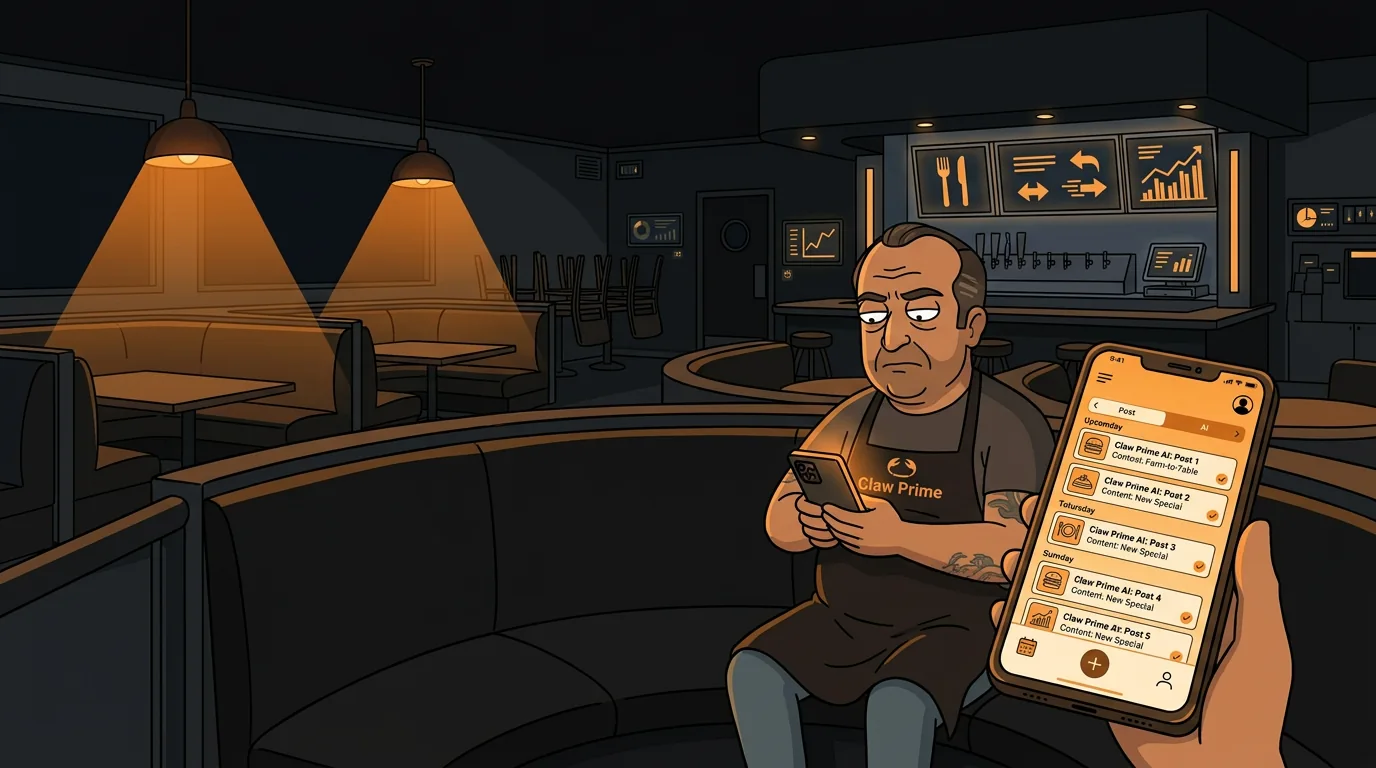
How to Automate Your Restaurant's Social Media Posts
Your last Instagram post was 12 days ago. The one before that was a blurry photo of your special from a Tuesday lunch. Meanwhile, the restaurant down the street is posting daily and their weekend reservations are double yours. You know you should post more. You also know you should do inventory, fix the walk-in door, and call your Sysco rep about the price hike on chicken wings. Social media always loses.
According to a 2026 National Restaurant Association survey, 67% of diners discover new restaurants through social media. That means two out of every three new customers walking through your door found you on Instagram or TikTok before they ever saw your sign. If you're not posting, you're invisible.
Here's the good news: skip the marketing agency and the $2,000/month bill. Build a system instead. And AI can run most of it while you're busy running your kitchen.
Why Do Most Restaurant Social Media Accounts Go Silent?
The number one reason restaurants stop posting is time. A typical operator works 60-80 hours a week. Adding "create engaging content" to that list feels like a joke. You barely have time to eat, let alone stage a photo of your food.
The second reason is inconsistency. You post three days in a row, then forget for two weeks. The algorithm punishes gaps. Your reach drops. You get discouraged. You stop entirely.
The third reason is not knowing what to post. You've posted your menu. You've posted your specials. You've posted a sunset photo from the patio. Now what?
AI scheduling tools solve all three problems at once. They let you batch-create content in one sitting, schedule it across platforms, and suggest new content ideas based on what's working for similar restaurants. You spend 30 minutes a week instead of 30 minutes a day.
What Tools Do You Need to Automate Restaurant Social Media?
You need three things: a content calendar, a scheduling tool, and a way to generate posts. Here's what that looks like in practice.
Content Calendar (Free)
A simple Google Sheet or Notion page with themed days works fine. Most successful restaurant accounts follow a pattern like this:
| Day | Theme | Example | |-----|-------|---------| | Monday | Weekly specials announcement | "This week's special: smoked brisket sandwich with house-made pickles" | | Tuesday | Behind-the-scenes | Photo of prep cook making pasta dough from scratch | | Wednesday | Customer spotlight or review | Screenshot of a 5-star Google review with your response | | Thursday | Staff feature | "Meet Maria, our sous chef. She's been with us 4 years." | | Friday | Weekend hype | "Friday night energy. Reservations open. Walk-ins welcome." | | Saturday | Food photography | Close-up of your best-selling dish, natural lighting | | Sunday | Community or local event | "Supporting the Little League fundraiser this weekend" |
You don't need to follow this exactly. The point is having a template so you never stare at a blank screen wondering what to post.
Scheduling Tool ($15-50/month)
Tools like Buffer, Later, or Hootsuite let you schedule posts across Instagram, Facebook, and Twitter from one dashboard. You spend 30 minutes on Sunday loading the week's posts, and the tool handles the rest.
For restaurants specifically, look for tools that support:
- Instagram Reels and Stories (not just feed posts)
- Facebook and Instagram from the same dashboard
- Best-time suggestions based on your audience
- Auto-posting (some tools require manual confirmation for Instagram - avoid those)
This is where the magic happens. Instead of writing 7 captions a week from scratch, you give the AI a prompt and it generates variations. Here's how it works in practice:
- You input your menu items, specials, and restaurant personality
- The AI generates caption options for each themed day
- You pick the best one, tweak it if needed, and schedule it
- Total time: 10-15 minutes for a full week of content
How Do You Set Up an Automated Social Media System Step by Step?
Here's the exact workflow I'd recommend. It takes about 2 hours to set up the first time, then 30 minutes a week to maintain.
Step 1: Pick Your Platforms (15 minutes)
Don't try to be everywhere. For restaurants, the priority order is:
- Instagram (highest discovery rate for restaurants)
- Facebook (older demographic, event promotion, community groups)
- Google Business Profile (not social media exactly, but critical for local search)
- TikTok (if you have staff who can film short clips - don't force it)
Next step
Choose the next practical step for your restaurant.
Check your restaurant's AI readiness or use the SWOT path to identify the most useful operational opportunities.
Keep reading
Related posts
More practical guidance for restaurant operators who want less busywork and better follow-through.
How to Use AI to Handle Shift Call-Outs Without Manager Scrambling
It's 10 AM on a Saturday. Your 6 PM line cook just texted "can't make it." You have 8 hours and 30 contacts to call. Here's how an AI agent handles this in under 2 minutes - without you touching your
How to Build an AI Layer on Top of Toast POS
Your Toast POS captures every transaction, every labor hour, every menu item sold. It gives you charts. What it doesn't give you is a recommendation. Here's how to build the layer that turns your data
How to Use AI to Detect Overtime Before It Happens in Your Restaurant
You just ran payroll. Three servers hit overtime last week. One racked up 12 hours of time-and-a-half. You didn't know until the damage was already done.