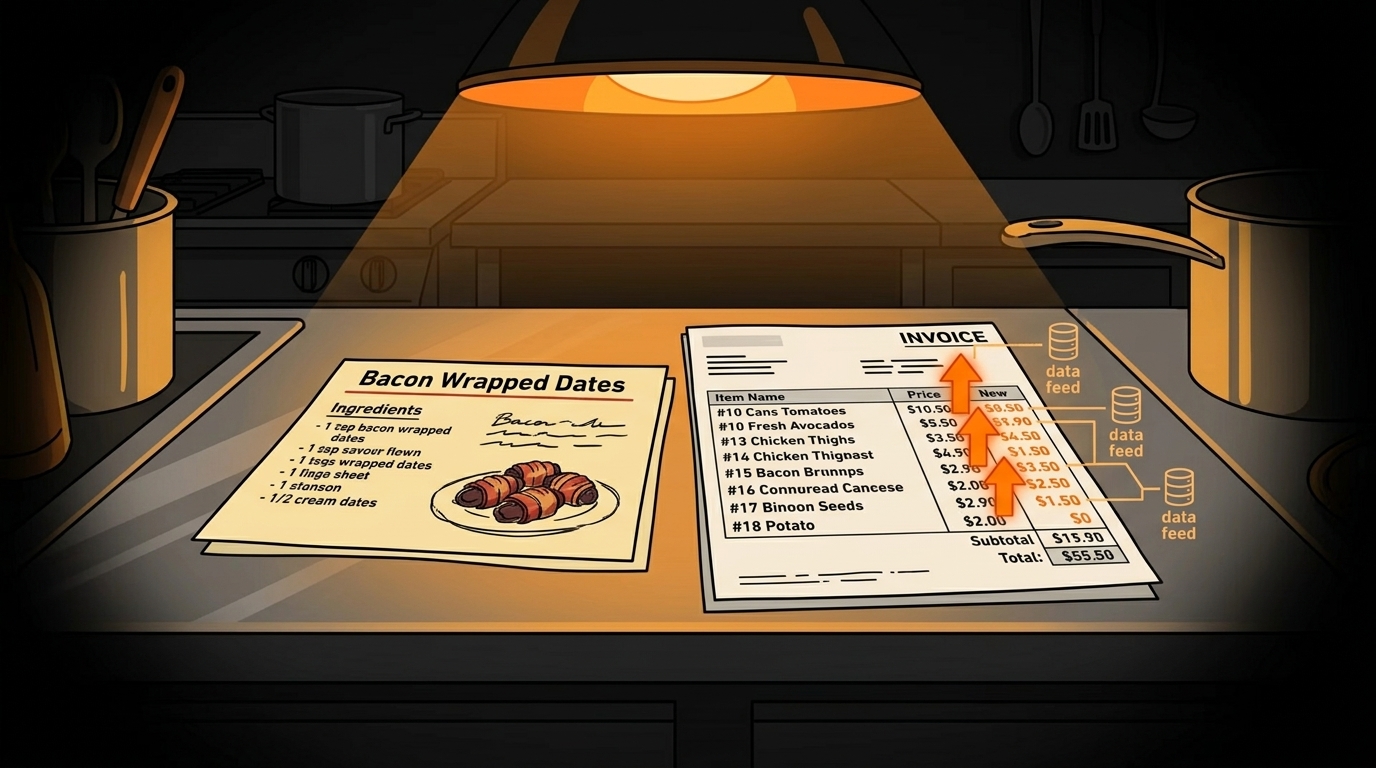
How to Automate Recipe Costing Updates When Ingredients Change Price
Your chicken parm recipe card says it costs $4.20 to make. Your last Sysco invoice says chicken breast went up 18%. You're actually losing $0.75 per plate and you won't know until you do the math - which you won't, because you're too busy running a restaurant.
This happens everywhere. According to the National Restaurant Association, food costs are the second-largest expense for restaurants after labor, typically running 28-35% of revenue. When ingredient prices spike and menu prices stay the same, that margin evaporates quietly. You don't get an alert. You don't see a flashing red light. You just notice at the end of the month that your numbers don't add up.
The problem isn't that restaurant owners are bad at math. The problem is that tracking 50-200 ingredients across multiple suppliers, with prices that change weekly, is genuinely impossible to do manually. AI can do it in seconds.
Why Do Recipe Costs Drift Away from Menu Prices?
Recipe costing drift happens because of three forces working against you:
Supplier price volatility. Your Sysco rep doesn't send you a friendly email saying "hey, chicken went up 18%." The invoice just shows up with a different number. If you're not comparing line items every delivery, you miss it.
Seasonal swings. Produce prices can double or triple depending on the season. Avocados in January are a completely different cost than avocados in July. If your recipe cards don't account for this, your margins are a guessing game.
Menu inertia. Changing a menu price feels like a big deal. You have to reprint menus, update your POS, tell your staff. So you put it off. Meanwhile, costs keep climbing and your $14 chicken parm is now a $14.75 loss per plate.
The math is brutal. If you serve 50 chicken parms a week and you're losing $0.75 per plate, that's $37.50 a week on one dish. Over a year, that's $1,950 gone. Multiply that across your full menu and the numbers get ugly fast.
What Tools Can Track Recipe Costs Automatically?
You need three components: a recipe database, an invoice data source, and a system that connects them. Here's what's available:
Recipe Management Software
| Tool | Monthly Cost | Key Feature | |------|-------------|-------------| | MarketMan | $179-349/month | Invoice scanning, recipe costing, inventory | | BlueCart | $99-199/month | Order management, price tracking | | Galley Solutions | Custom pricing | Full recipe and menu engineering | | xtraCHEF (Toast) | $0-125/month | Invoice processing, food cost tracking | | Compeat | $199+/month | Full back-office including recipe costing |
For most independent restaurants, xtraCHEF (if you use Toast) or MarketMan are the best starting points. They both offer invoice OCR - you scan your invoices and the system extracts pricing data automatically.
Invoice OCR (Optical Character Recognition)
This is the technology that reads your invoices. Instead of manually entering prices, you take a photo or upload a PDF of your Sysco, US Foods, or local distributor invoice. The AI reads every line item and matches it to your recipe ingredients.
Most recipe management tools include this feature. If you want a standalone option, tools like Veryfi or Rossum offer invoice OCR that can integrate with your existing systems.
The Connection: How It Works
- You enter your recipes with ingredient quantities (e.g., "6 oz chicken breast, 2 oz mozzarella, 1 cup marinara")
- Invoice OCR reads your delivery invoices and extracts per-unit prices
- The system recalculates recipe cost every time a new invoice arrives
- You get alerts when a recipe's food cost percentage crosses your threshold
How Do You Set Up Automated Recipe Costing?
Here's the step-by-step process. It takes about 4-6 hours to set up initially (spread across a week), then 15 minutes a week to maintain.
Step 1: Digitize Your Recipes (2-3 hours)
This is the biggest upfront investment. Take every recipe card and enter it into your chosen software. For each recipe, you need:
- Ingredient name (match exactly to your supplier's naming)
- Quantity per portion
- Portion count per batch
- Prep notes (optional but helpful)
Step 2: Connect Your Suppliers (30 minutes)
Most recipe management tools have direct integrations with major distributors (Sysco, US Foods, Performance Food Group). If yours doesn't, you can upload invoices manually as PDFs.
Set up automatic invoice import if available. This means every time your rep sends an invoice, it flows into the system without you touching it.
Step 3: Set Your Food Cost Thresholds (15 minutes)
Decide what percentage food cost you can tolerate for each category:
- Appetizers: 25-30%
- Entrees: 28-32%
- Desserts: 20-25%
- Beverages (non-alcohol): 20-28%
Next step
Choose the next practical step for your restaurant.
Check your restaurant's AI readiness or use the SWOT path to identify the most useful operational opportunities.
Keep reading
Related posts
More practical guidance for restaurant operators who want less busywork and better follow-through.

How to Automate Menu Optimization with Data for Your Restaurant
You're staring at your menu after close, wondering why the salmon dish you added three months ago is barely moving. Your gut told you it would be a hit. Your food cost says otherwise. Meanwhile, the c
How to Use AI to Handle Shift Call-Outs Without Manager Scrambling
It's 10 AM on a Saturday. Your 6 PM line cook just texted "can't make it." You have 8 hours and 30 contacts to call. Here's how an AI agent handles this in under 2 minutes - without you touching your
How to Build an AI Layer on Top of Toast POS
Your Toast POS captures every transaction, every labor hour, every menu item sold. It gives you charts. What it doesn't give you is a recommendation. Here's how to build the layer that turns your data