How to Automate New Hire Paperwork and Onboarding Workflows
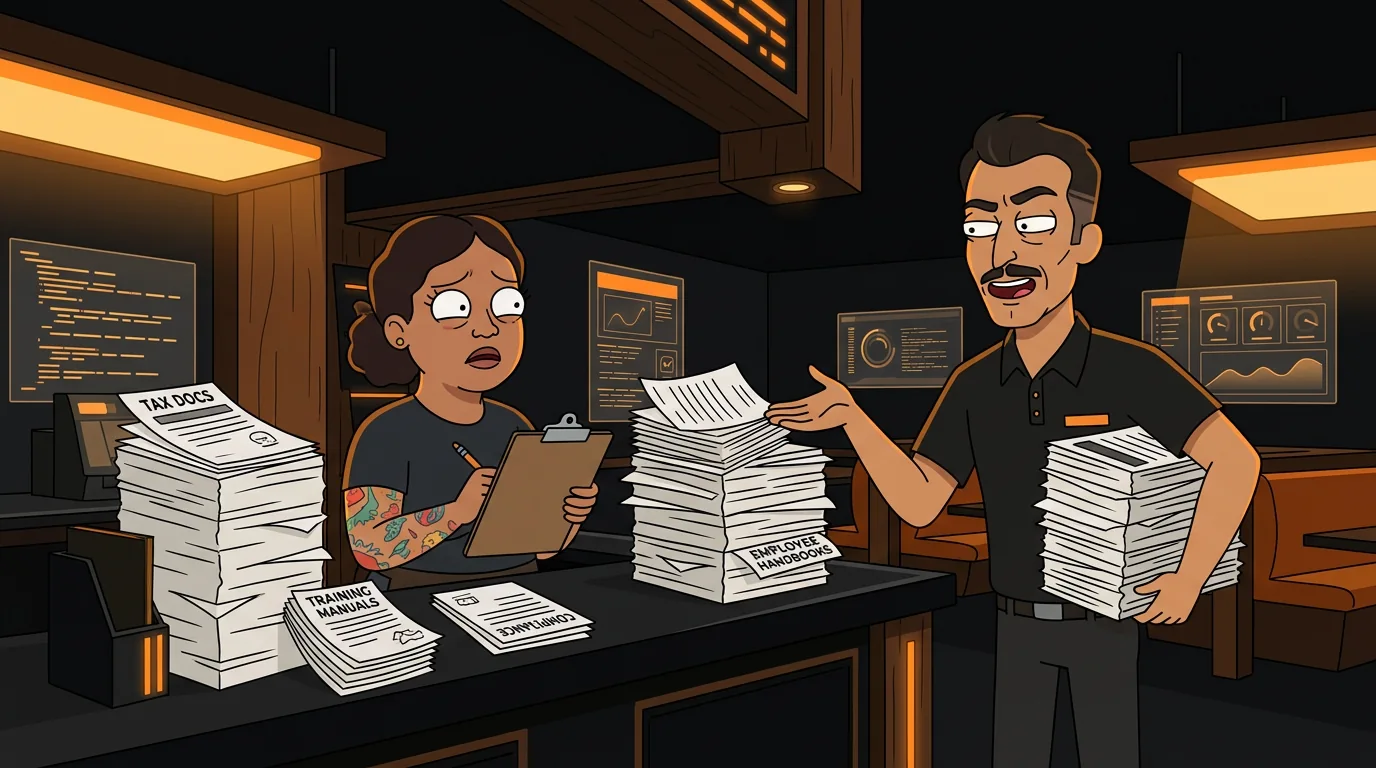
You just hired someone great. They start Monday. By Wednesday, you've spent 3 hours on paperwork, 2 hours explaining the POS, and 1 hour fixing the schedule you had to redo because nobody told you they can't work Tuesdays. Your new hire is already behind on training because you've been buried in admin work.
Sound familiar? According to the Society for Human Resource Management, the average cost of onboarding a new employee is $4,129 - and that's just the administrative side. For restaurants, where turnover runs 75% annually (Bureau of Labor Statistics, 2025), you're onboarding new staff constantly. If each one takes 2-3 hours of manager time, you're spending 150+ hours a year just getting people set up.
That's almost four full work weeks of your manager's time spent on paperwork instead of running the floor. And in a restaurant where your manager is often your best server, host, and expediter rolled into one, every hour of admin work is an hour stolen from service.
AI onboarding tools can cut that time by 60-80%. The paperwork happens before day one. The training schedule builds itself. The system access provisions automatically. Your manager meets the new hire ready to train, not ready to photocopy.
What Does Restaurant Onboarding Actually Involve?
Before you automate, understand what you're automating. Restaurant onboarding has five distinct phases:
Phase 1: Pre-Hire Paperwork (Before Day 1)
This is the paperwork that needs to happen before the new hire touches anything:
- W-4 tax form
- I-9 employment eligibility verification
- Direct deposit authorization
- Emergency contact information
- Uniform size and equipment needs
- Availability and scheduling preferences
- Non-disclosure or non-compete agreements (if applicable)
Phase 2: System Access (Day 1)
Your new hire needs access to:
- POS system (with appropriate permissions)
- Scheduling app (7shifts, HotSchedules, Homebase)
- Communication tool (group text, Slack, or whatever you use)
- Time clock or payroll system
- Any restaurant-specific software (inventory, reservations)
Phase 3: Training (Days 1-7)
Restaurant training is hands-on and hard to automate completely, but the scheduling and tracking can be:
- POS training session
- Kitchen orientation (for BOH)
- Menu tasting and product knowledge
- Shadow shifts (working alongside an experienced employee)
- Safety and food handling certification
- Customer service standards review
Depending on your state:
- Food handler certification
- Alcohol service certification
- Sexual harassment training
- Health and safety orientation
- Tip reporting documentation
Regular check-ins to see how the new hire is adjusting:
- Are they comfortable with the POS?
- Is the schedule working for them?
- Any issues with the team?
- Do they need additional training?
What Tools Can Automate Restaurant Onboarding?
Here's the technology stack that handles the automation:
Document Collection and Digital Forms
| Tool | Monthly Cost | What It Does | |------|-------------|--------------| | DocuSign | $10-25/user | Digital signatures, document routing | | BambooHR | $6-8/employee | Full HR platform with onboarding workflows | | Homebase | $0-80/location | Hiring, onboarding, scheduling (restaurant-focused) | | 7shifts | $0-150/location | Scheduling with onboarding features | | Gusto | $40+ $6/person | Payroll with onboarding automation |
For most independent restaurants, Homebase or 7shifts are the best starting points because they combine onboarding with scheduling - the two things you need most.
How document automation works:
- You create templates for all your forms (W-4, I-9, direct deposit, etc.)
- When you make a job offer, the system sends all forms to the new hire's email or phone
- The new hire fills them out digitally before day one
- Documents route to the right place (your files, your accountant, your HR folder)
- You get notified when everything is complete
Training Scheduling Automation
Tools like 7shifts and Homebase can auto-generate training schedules based on:
- The new hire's availability
- When experienced staff are working (for shadow shifts)
- Manager availability for check-ins
- Required training modules and their duration
Next step
Choose the next practical step for your restaurant.
Check your restaurant's AI readiness or use the SWOT path to identify the most useful operational opportunities.
Keep reading
Related posts
More practical guidance for restaurant operators who want less busywork and better follow-through.
How to Use AI to Handle Shift Call-Outs Without Manager Scrambling
It's 10 AM on a Saturday. Your 6 PM line cook just texted "can't make it." You have 8 hours and 30 contacts to call. Here's how an AI agent handles this in under 2 minutes - without you touching your
How to Build an AI Layer on Top of Toast POS
Your Toast POS captures every transaction, every labor hour, every menu item sold. It gives you charts. What it doesn't give you is a recommendation. Here's how to build the layer that turns your data
How to Use AI to Detect Overtime Before It Happens in Your Restaurant
You just ran payroll. Three servers hit overtime last week. One racked up 12 hours of time-and-a-half. You didn't know until the damage was already done.