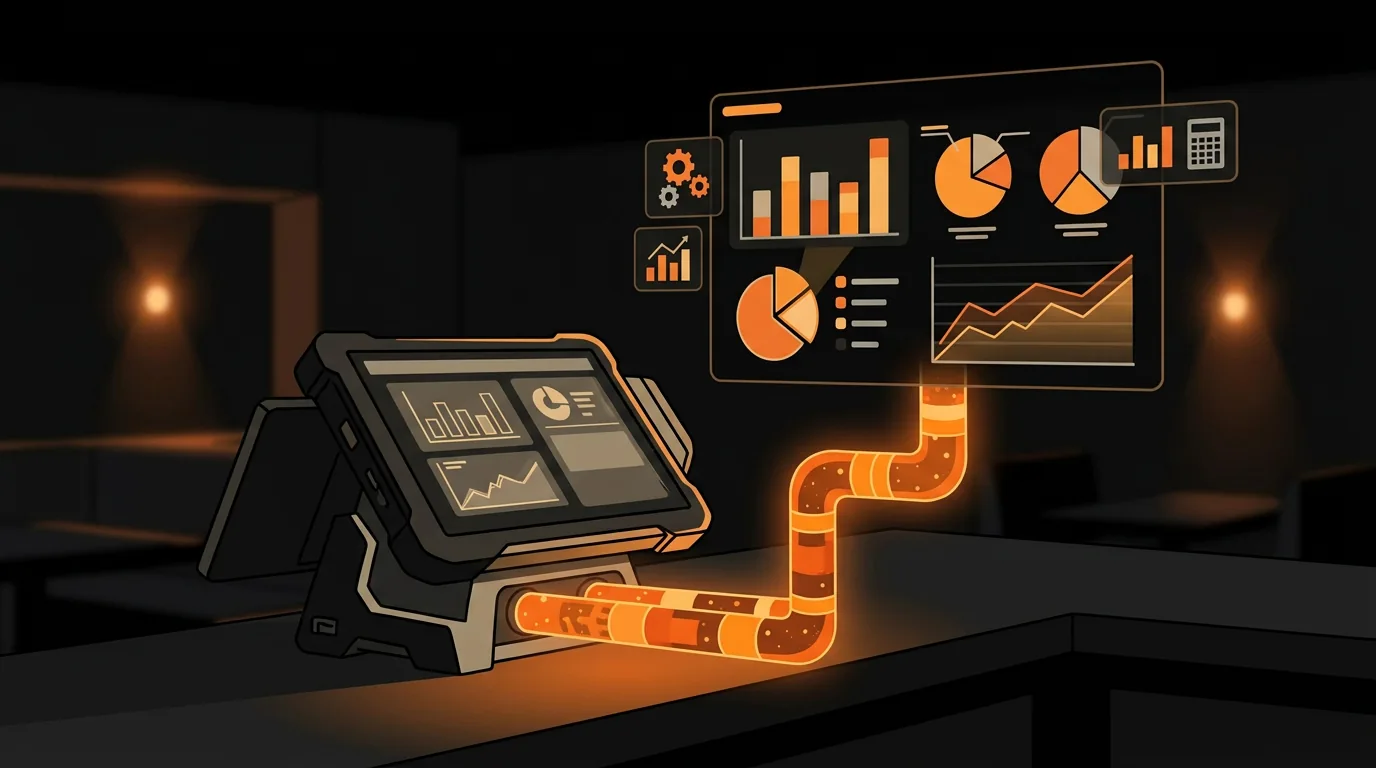
How to Extract Data from Oracle Micros POS for AI Analytics
Your Micros POS captures every transaction, every modifier, every void, and every discount. And it's all sitting behind an Oracle paywall you can't justify.
There are over 100,000 Micros POS installations worldwide, and most of them are generating rich transactional data that operators never see. Oracle charges per API call for data access, and full integration requires partner-level SDK access that takes months to negotiate. So operators export reports manually once a month - if they remember - and miss 90% of the insights their own system is generating.
Here's the good news: you can get your data without Oracle's permission to get your data. You just need to know where it lives and how to pull it out.
What Data Can You Actually Access from Micros?
Micros has multiple product lines, and what you can access depends on which one you're running:
The practical reality: if you're running RES 3700 or a standard Simphony installation, your data access path is report exports and journal file parsing. Not as sexy as a real-time API, but it's free and it works.
What's the Difference Between Report Exports and Journal Files?
This is a question I get a lot, and the answer matters for what kind of analytics you can build:
Report exports are pre-formatted summaries. Think of them as your POS doing the math for you and giving you the results. You get sales totals by item, by time period, by server. The data is clean and ready to use, but you're limited to the reports Oracle designed.
Journal files are raw transaction logs. Every single action in the POS gets recorded: a sale, a void, a modifier added, a discount applied, a payment processed. The data is granular but messy - you need to parse it, clean it, and structure it yourself.
Which should you use? For most operators, report exports are the right starting point. They give you 80% of the insights with 20% of the effort. Journal files are for when you need deeper analysis - like understanding modifier patterns, void reasons, or server-level behavior that the standard reports don't capture.
The good news: you can start with report exports and add journal file parsing later as your analytics needs grow. They're not mutually exclusive.
How Do You Set Up Automated Report Exports?
Step 1: Identify your key reports. Micros RES 3700 ships with dozens of built-in reports. The ones you want for AI analytics are:
- Sales Detail Report - every transaction with items, quantities, prices, and timestamps
- Item Sales Summary - aggregated sales by menu item by time period
- Server Performance Report - sales, voids, and discounts by employee
- Hourly Sales Report - revenue broken down by hour
- Payment Type Summary - cash vs. credit vs. gift card breakdown
Step 3: Organize the export folder. Create a folder structure like POS-Exports/Sales/YYYY-MM/ and let the scheduler dump daily files there. The filenames auto-generate with dates, so you get a clean historical archive with zero manual effort.
Step 4: Parse the data. This is where AI comes in. A simple Python script can read the CSV exports, clean up the formatting quirks (Micros reports have their own special way of formatting headers and footers), and load the data into a structured format for analysis.
If you're not comfortable writing scripts, tools like MarginEdge and xtraCHEF (now part of Toast) do this automatically. They connect to your POS export folder, parse the reports, and give you dashboards. Cost: $100-300/month depending on features.
How Do You Build a Local Analytics Dashboard from Exported Data?
Once you have clean data flowing daily, you can build insights that Oracle won't give you:
Sales patterns by item and time. Which menu items spike on rainy Tuesdays? Which ones die during football season? Cross-reference your sales data with external factors to find patterns you'd never notice by looking at the raw numbers.
Server performance trends. Not just who sells the most - who has the highest void rate, who discounts the most, who's consistently underperforming on upsells. This isn't about surveillance; it's about coaching opportunities.
Modifier analysis. What customizations are your guests requesting most? If 60% of burger orders add avocado, that's a menu engineering signal. If everyone's asking for no onions, maybe it's time to make that the default.
Menu engineering data. Combine sales volume with food cost to categorize every item as a star, plowhorse, puzzle, or dog. This is the foundation of menu optimization, and your Micros data already has everything you need to calculate it.
Labor efficiency. Overlay your sales-per-hour data with your scheduling data to see exactly when you're over-staffed and under-staffed. Most operators find 3-5 hours per week where they're paying for labor that doesn't match demand.
Revenue per available seat hour (RevPASH). This metric combines your sales data with your seating capacity and operating hours. It tells you how efficiently you're turning tables, not just how much revenue you're doing. A restaurant doing $15,000/day with 100 seats and 10 operating hours has a RevPASH of $15. The same revenue with 8 hours means $18.75 - same money, better efficiency.
The data you need is already in your POS. The question is whether you're using it or letting it sit in an Oracle database you can't access.
When Should You Invest in Simphony Cloud API?
If you're a single location, report exports are probably sufficient. You get daily data, you can analyze it locally, and you don't pay Oracle anything extra.
But if you're running 3+ locations, the Simphony Cloud API starts making sense:
- Real-time data access - no waiting for nightly exports
- Cross-location aggregation - compare performance across sites in one view
- Custom dashboards - build exactly what you need instead of relying on canned reports
- Integration with other tools - connect POS data directly to your accounting, inventory, or scheduling systems
For most single-location operators, the ROI doesn't justify the cost. Report exports give you 80% of the value at 0% of the price. Start there. If the analytics prove valuable and you grow to multiple locations, then upgrade.
What Common Mistakes Do Operators Make with POS Data?
I see the same mistakes over and over when restaurants try to use their POS data for analytics:
Mistake 1: Trying to analyze everything at once. You have thousands of transactions. Don't try to build a comprehensive analytics platform in week one. Start with your top 10 menu items and your top 5 cost drivers. Get those right, then expand.
Mistake 2: Ignoring data quality. Micros data is messy. Report headers, footers, and formatting quirks mean your CSV exports need cleaning before they're useful. If you skip this step, your analysis will be wrong - and you'll make decisions based on bad data.
Mistake 3: Not normalizing for external factors. Comparing this Tuesday's sales to last Tuesday's sales without accounting for weather, holidays, or local events gives you misleading conclusions. Always ask: "What else was different?"
Mistake 4: Building dashboards nobody looks at. A beautiful dashboard is worthless if your managers don't check it daily. Start with 3-5 metrics that drive real decisions. Add more only when the first set is being used consistently.
Mistake 5: Forgetting to close the loop. Data without action is just numbers. Every insight should lead to a decision: adjust the menu, change the schedule, modify portions, renegotiate vendor pricing. If you can't name the action the data is telling you to take, that data isn't useful to you.
The operators who get the most from their Micros data aren't the ones with the fanciest tools. They're the ones who ask specific questions and use the data to answer them. "Which menu items have the highest food cost?" is a better starting point than "show me everything."
What Should You Do Next?
Your Micros POS is already collecting the data you need to make smarter decisions. The question is whether you're going to use it or let it rot behind Oracle's paywall.
If you want to see what AI can do with your POS data, start with our free AI Readiness Check. It takes 2 minutes and shows you exactly what's possible with the data you already have.
Take the free AI Readiness Check
Not sure if your Micros setup supports automated exports? That's one of the first things we check during a SWOT assessment. Most operators are sitting on a goldmine of data they've never tapped.
Next step
Choose the next practical step for your restaurant.
Check your restaurant's AI readiness or use the SWOT path to identify the most useful operational opportunities.
Keep reading
Related posts
More practical guidance for restaurant operators who want less busywork and better follow-through.
How to Use AI to Handle Shift Call-Outs Without Manager Scrambling
It's 10 AM on a Saturday. Your 6 PM line cook just texted "can't make it." You have 8 hours and 30 contacts to call. Here's how an AI agent handles this in under 2 minutes - without you touching your
How to Build an AI Layer on Top of Toast POS
Your Toast POS captures every transaction, every labor hour, every menu item sold. It gives you charts. What it doesn't give you is a recommendation. Here's how to build the layer that turns your data
How to Use AI to Detect Overtime Before It Happens in Your Restaurant
You just ran payroll. Three servers hit overtime last week. One racked up 12 hours of time-and-a-half. You didn't know until the damage was already done.