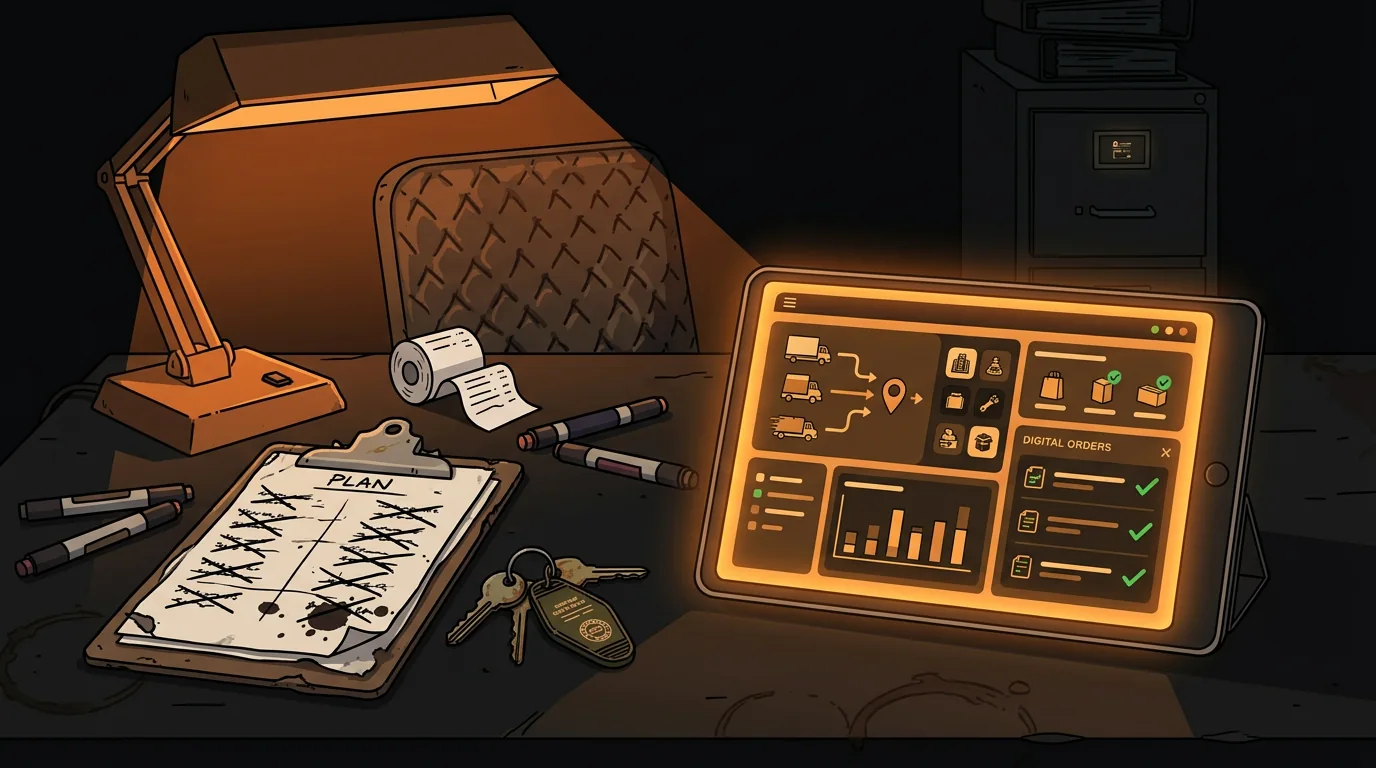
How to Automate Vendor Ordering to Reduce Waste for Your Restaurant
Your Sysco rep loves you. You're ordering 15-20% more than you need because nobody has time to calculate exact par levels on a Wednesday afternoon. The walk-in is packed with produce you won't get to before Friday, and you're already mentally writing off another $400 in spoilage.
Restaurants over-order by 15-20% on average because manual par level calculations eat 2-3 hours every week. Most operators order "safe" - better to have too much than run out during a Saturday dinner rush. The math is simple but the time to do the math is what kills you.
AI can do that math in seconds. Not by replacing your vendor relationships or auto-spending your money - by giving you the numbers you need to order smarter, faster, and with less waste.
Why Do Restaurants Over-Order and Keep Doing It?
The core problem isn't bad planning - it's that planning takes too long. A typical restaurant order involves walking the walk-in, checking the prep list, eyeballing what's low, and then calling or logging into a vendor portal to place an order. Nobody has time to cross-reference last week's sales, this week's reservations, and the weather forecast before picking up the phone.
So you order "safe." If you used 12 cases of tomatoes last week, you order 14 just in case. Multiply that across every item on your Sysco order, and you're spending an extra $800-1,200 per delivery on food that might end up in the trash.
According to industry data, food cost variance of just 2% equals a $40,000 annual profit swing for a mid-size restaurant. That's a new piece of equipment or a raise for your sous chef - gone, because you ordered too much cilantro again.
The pattern repeats because the alternative feels worse. Running out of chicken breast at 7 PM on a Friday is a disaster. Having too much chicken in the walk-in is just Tuesday. So you keep over-ordering, and the waste piles up quietly in the background.
There's also a human element nobody talks about: ordering fatigue. When you've been placing vendor orders for years, you develop habits. You order from the same template, the same quantities, the same items. Changing that template feels risky - what if you order less and run out? So you stick with what's "safe" even when the data says otherwise.
What Can AI Actually Calculate That You Can't?
Here's what AI does that your clipboard and gut instinct can't: it cross-references multiple data sources at the same time.
Your POS system already tracks every sale - by item, by day, by time. That data tells you exactly how much of each ingredient you actually used, not how much you think you used. Layer in reservation counts, day-of-week patterns, local event calendars, and even weather forecasts, and you start seeing consumption patterns that are invisible to the naked eye.
For example: you sell 40% more salads on sunny days above 75 degrees. Your Friday fish special moves 60 plates on average but only 35 when there's a competing food festival downtown. Your Tuesday lunch crowd is 20% smaller during school vacation weeks.
No human can hold all those variables in their head simultaneously. An AI model can - and it can use them to predict, at the ingredient level, exactly how much you'll need for the next delivery cycle.
The key enabler is your POS data. Without it, AI is guessing. With it, AI is calculating. And the difference between guessing and calculating is where the 15-20% over-ordering margin lives.
Think about it this way: your Sysco rep knows what you ordered last month. AI knows what you'll actually use next week. That's a fundamentally different kind of intelligence.
How Do You Set Up Demand Forecasting from POS Data?
A $50,000 enterprise system isn't required to get started. Here's the practical path:
Step 1: Export your sales data. Most POS systems - Square, Toast, Clover, Micros - let you export sales by item by day as a CSV. Pull the last 90 days minimum. If you can get 6 months, even better.
Step 2: Categorize by ingredient. Your POS tracks "Caesar Salad" as one item. You need to know it uses 3oz romaine, 1oz parmesan, 0.5oz croutons, and 2oz dressing per plate. Build a simple recipe matrix - spreadsheet is fine - that maps menu items to ingredients.
Step 3: Build consumption patterns. Multiply sales counts by recipe quantities to get actual ingredient usage by day. Now you can see: "We use 18lbs of romaine on a typical Tuesday but 32lbs on a sunny Saturday."
Step 4: Layer in external factors. Pull your reservation data. Check the weather forecast. Flag local events. These become adjustment multipliers on your base consumption forecast.
Step 5: Set par levels per delivery cycle. Instead of ordering "about the same as last week," you're ordering based on projected consumption for the specific days between deliveries, plus a small safety buffer (5-10%, not 20%).
The whole process takes about 4-6 hours for the initial setup. After that, updating takes 15-20 minutes per week. That's less time than you currently spend over-ordering.
If you're not comfortable with spreadsheets, there are tools that do this automatically. MarketMan, BlueCart, and MarginEdge all connect to major POS systems and run demand forecasting. They cost $100-300/month depending on your size and integration needs.
How Do You Bridge Manual and Automated Ordering?
Here's the honest truth: Sysco and US Foods don't have public APIs. You can't auto-generate a purchase order and send it directly to your vendor through an integration. Their ordering happens through their portals, by phone, or through a rep relationship.
So the bridge looks like this:
Phase 1 (weeks 1-4): AI calculates, you order manually. The AI tells you "order 8 cases of tomatoes, not 12." You log into Sysco's portal and place the order yourself. You're still doing the ordering - but with better numbers.
Phase 2 (weeks 5-8): AI recommends, you approve. The system generates a suggested order based on your forecast. You review it, adjust if something looks off, and submit. Most operators change less than 10% of the recommended quantities by this point.
Phase 3 (ongoing): AI drafts, you confirm. The system generates complete order drafts the day before your vendor deadline. You get a notification, review the draft, hit approve, and place the order. Total time: 5-10 minutes instead of 2 hours.
Some operators use OCR (optical character recognition) to scan their Sysco invoices and automatically track what was delivered vs. what was ordered. This catches discrepancies - like when your rep substitutes a different brand or quantity - and feeds that data back into the forecasting model.
The critical rule: AI recommends, humans decide and execute. Nobody's auto-spending your money. The AI does the math. You make the call.
What Specific Tools Help with Vendor Ordering?
If you want to move beyond spreadsheets, here are the tools that actually work for restaurant vendor ordering:
MarketMan ($150-300/month) - Connects to your POS, tracks inventory levels, generates suggested orders based on consumption patterns. Integrates with Sysco, US Foods, and major distributors for invoice matching. Best for: multi-location groups that need centralized inventory visibility.
BlueCart (free tier available, paid plans $100-200/month) - Focused specifically on vendor ordering. Lets you compare prices across suppliers, track order history, and set par levels with auto-reorder triggers. Best for: single locations that want a clean ordering interface.
MarginEdge ($300/month) - Invoice scanning with OCR, food cost tracking, and integration with major accounting platforms. Takes the manual data entry out of invoice processing. Best for: operators who want real-time food cost visibility.
Simple spreadsheet approach (free) - Export POS data to Google Sheets or Excel. Build a basic formula that calculates ingredient usage from sales data. Update par levels weekly based on the numbers. Best for: operators who want to start small before committing to a paid tool.
The tool you choose matters less than the habit of ordering based on data instead of gut feel. Even a basic spreadsheet beats the "about the same as last week" approach.
What Does This Look Like After 30 Days?
Operators who track their ordering patterns and use demand forecasting consistently report:
- 15-25% reduction in food waste in the first month, primarily from cutting over-ordering on perishables
- 2-3 hours per week recovered from the ordering process
- Fewer emergency mid-week orders because the forecast catches demand spikes before they happen
- Better cash flow from not tying up $800-1,200 in excess inventory per delivery
The waste reduction compounds. When you're ordering more accurately, you're also prepping more accurately, which means less labor spent on prep that doesn't get used, which means lower food costs across the board.
Food waste isn't a moral failing. It's a math problem. And math is exactly what AI is good at.
What Should You Do Next?
If you want to see where your restaurant stands on AI readiness - including whether your data is good enough to support demand forecasting - take our free AI Readiness Check. It takes 2 minutes and shows you exactly where the biggest opportunities are.
Take the free AI Readiness Check
Not sure if your POS data is clean enough to use? That's one of the first things we check. Most operators are surprised by how much usable data they already have - they just haven't been looking at it the right way.
Next step
Choose the next practical step for your restaurant.
Check your restaurant's AI readiness or use the SWOT path to identify the most useful operational opportunities.
Keep reading
Related posts
More practical guidance for restaurant operators who want less busywork and better follow-through.
How to Use AI to Predict and Prevent Food Waste for Your Restaurant
Your kitchen throws away $25,000-$75,000 worth of food every year. Not because your cooks are careless - because nobody has time to match prep quantities to actual demand.
How to Use AI to Handle Shift Call-Outs Without Manager Scrambling
It's 10 AM on a Saturday. Your 6 PM line cook just texted "can't make it." You have 8 hours and 30 contacts to call. Here's how an AI agent handles this in under 2 minutes - without you touching your
How to Build an AI Layer on Top of Toast POS
Your Toast POS captures every transaction, every labor hour, every menu item sold. It gives you charts. What it doesn't give you is a recommendation. Here's how to build the layer that turns your data