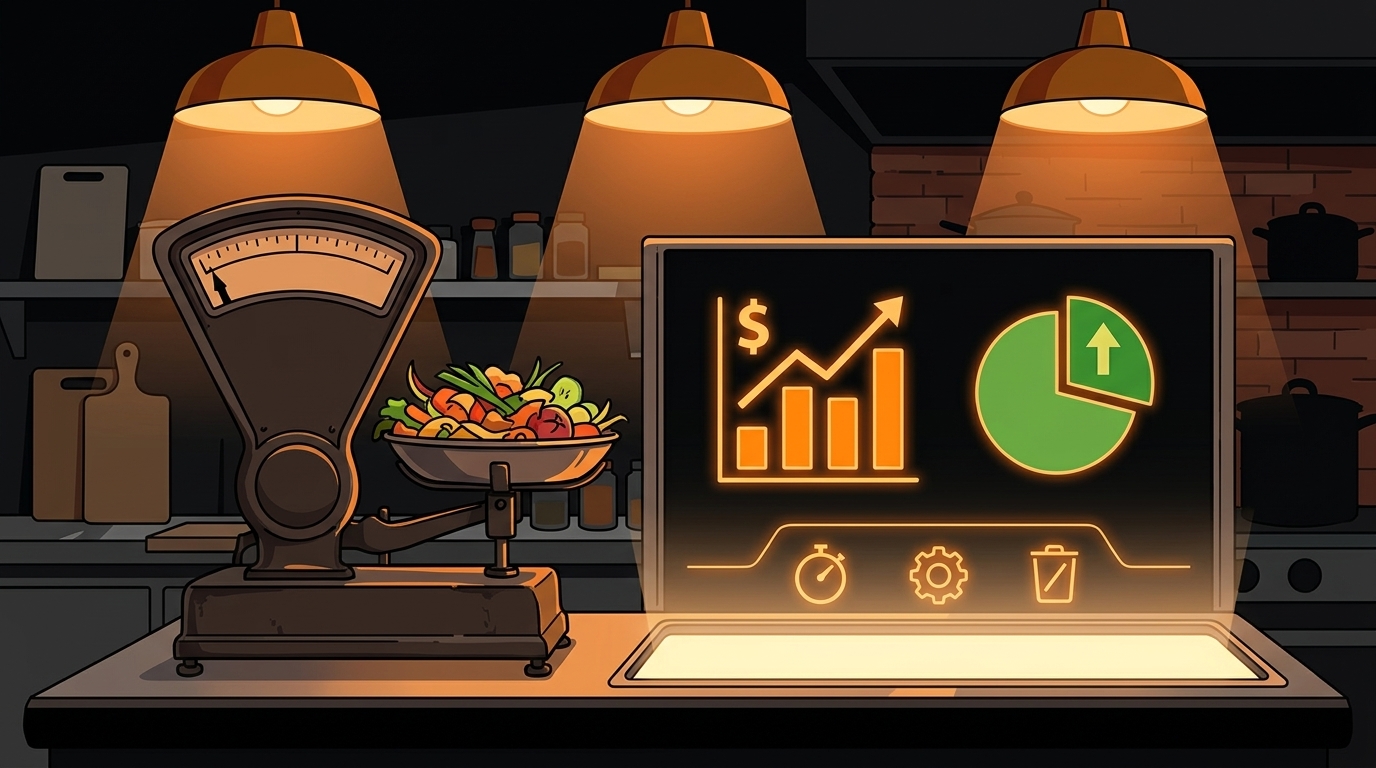
How to Use AI to Predict and Prevent Food Waste for Your Restaurant
Your kitchen throws away $25,000-$75,000 worth of food every year. Not because your cooks are careless - because nobody has time to match prep quantities to actual demand.
The average restaurant wastes 4-10% of purchased food. It's a math problem, not a moral failing - it's a math problem. You prep "safe" quantities because running out during service is worse than having leftovers. So you make extra, and the extra goes in the trash. Every. Single. Day.
Here's what changes when AI gets involved: instead of guessing how much to prep based on what you did last week, you're calculating based on what you'll actually sell tomorrow. Not last Tuesday - this specific Tuesday, with this weather, these reservations, and this local event calendar.
How Much Food Does Your Restaurant Actually Waste?
Let's put real numbers on this. For a mid-size restaurant doing $15,000-20,000 per week in revenue:
- 4% waste = $600-800/week = $31,200-41,600/year
- 7% waste = $1,050-1,400/week = $54,600-72,800/year
- 10% waste = $1,500-2,000/week = $78,000-104,000/year
The pattern is consistent across the industry: operators prep for the worst-case scenario (a sudden rush) and pay for it with waste when the rush doesn't come. It's rational behavior in a world where running out is a crisis. But it's expensive behavior.
There's another cost nobody talks about: labor. Every hour your cooks spend prepping food that ends up in the trash is an hour you paid for but got zero value from. If your prep cook spends 3 hours prepping items that get thrown away, that's $45-60 in wasted labor on top of the wasted food cost.
Restaurants using AI for inventory management cut food waste by 30-40% according to industry research. This comes from real operators - it's from operators who actually track and adjust their prep quantities based on data.
What Can AI Predict That Spreadsheets Can't?
A spreadsheet can tell you that you sold 45 Caesar salads last Tuesday. An AI model can tell you that you'll probably sell 38 this Tuesday because it's raining, there's no reservation spike, and the local college is on spring break.
The difference is context. AI cross-references multiple data sources simultaneously:
POS sales history - your actual sales by item by day, going back months or years. This is your baseline.
Day-of-week patterns - Tuesdays are different from Fridays. AI learns the pattern for each day separately.
Weather forecasts - salad sales spike on sunny days. soup sales spike when it's cold. AI adjusts prep quantities based on the 5-day forecast.
Reservation counts - if you have 120 reservations for Saturday vs. 60 on a typical Saturday, AI scales prep accordingly.
Local event calendars - a concert downtown, a football game, a food festival. These affect demand in predictable ways that AI can learn.
Seasonal trends - summer tourists, holiday parties, back-to-school. AI builds these patterns into its forecasts over time.
No human can hold all these variables in their head and calculate prep quantities for 50+ ingredients simultaneously. AI can - and it can do it in seconds.
How Do You Set Up Demand Forecasting from POS Data?
Here's the step-by-step, starting from zero:
Step 1: Export your sales data. Most POS systems (Square, Toast, Clover, Micros, Revel) let you export sales by item by day as a CSV. Pull the last 90 days minimum. The more historical data you have, the better the forecasts.
Step 2: Build your recipe matrix. Map every menu item to its ingredients with quantities. A Caesar Salad = 3oz romaine, 1oz parmesan, 0.5oz croutons, 2oz dressing. This is the bridge between "I sold 45 salads" and "I used 8.4 lbs of romaine."
Step 3: Calculate daily ingredient usage. Multiply sales counts by recipe quantities for each day. Now you have a time series of actual ingredient consumption, not just menu item sales.
Step 4: Identify your top 10 waste items. Don't try to forecast everything at once. Start with the ingredients you throw away most - usually proteins, produce, and dairy. Focus your forecasting effort where the waste dollars are highest.
Step 5: Build baseline forecasts. For each of your top 10 ingredients, calculate the average usage by day of week. This is your baseline. A simple average is better than gut instinct.
Step 6: Add adjustment factors. Layer in weather, reservations, and events as multipliers. "When it's above 80 degrees, salad ingredient usage is 1.3x baseline." These factors come from analyzing your historical data against external variables.
Step 7: Generate daily prep recommendations. Each morning, the system tells you: "Based on today's forecast and reservations, prep X pounds of each ingredient." Your cooks follow the numbers instead of guessing.
Tools that automate this process: BlueCart, MarketMan, and MarginEdge all offer demand forecasting features. They connect to your POS, build the models automatically, and generate daily prep lists. Cost: $100-300/month.
How Do You Flag Expiration Risks Before They Become Waste?
Demand forecasting handles the prep side. But what about the stuff already in your walk-in?
FIFO (first in, first out) tracking is restaurant inventory 101. But most operators do it by memory: "I think that chicken came in on Tuesday... or was it Monday?" AI can do it precisely:
Track delivery dates per batch. When Sysco delivers chicken on Tuesday, that batch gets a timestamp. When the next delivery comes on Friday, you now have two batches with different expiration windows.
Cross-reference with projected demand. "This batch of chicken expires Thursday. Your projected demand for Tuesday-Thursday is 20 lbs. You have 30 lbs on hand. You'll waste 10 lbs unless you adjust."
Generate alerts, not just reports. Instead of a monthly waste report that tells you what you already threw away, get daily alerts: "This batch of cilantro expires tomorrow. You have 2 lbs on hand but projected usage is only 0.5 lbs. Consider a special or a staff meal."
Suggest interventions. When waste risk is high, AI can suggest: running a special on items that need to move, adjusting portion sizes slightly, or planning a staff meal that uses up expiring ingredients.
This isn't about replacing your kitchen manager's judgment. It's about giving them information they don't have time to calculate manually. "Hey, that chicken needs to move by Thursday" is a heads-up, not a command.
What Does the First Week of Tracking Look Like?
If you've never tracked waste systematically, here's what to expect:
Day 1-2: Setup. Export your POS data, build your recipe matrix for your top 10 waste items, and set up a simple tracking sheet. This takes 2-3 hours.
Day 3-4: Baseline. Start recording what you prep vs. what you sell. Don't change anything yet - just observe. Most operators are shocked by the gap between what they prepped and what actually got used.
Day 5-7: First adjustments. Based on 3-4 days of data, adjust prep quantities for your top waste items. Cut by 10-15% and see what happens. You'll probably find that you still have enough - and you threw away less.
Week 2: Add forecasting factors. Layer in weather and reservations. Start generating prep recommendations instead of just tracking waste after the fact.
Week 3-4: Refine and expand. Expand from your top 10 items to your full ingredient list. Adjust your forecasting models based on what you've learned. By now, your cooks are used to following the numbers.
The key insight from the first week: most operators over-prep by 20-30% on their top waste items. Cutting that in half is usually safe - and the savings add up fast.
What Happens After 30 Days of Tracking?
Operators who put in place demand forecasting and expiration tracking consistently report:
- 20-30% waste reduction in the first month - primarily from better prep quantities
- Fewer emergency prep runs - the forecast catches demand spikes before they hit
- Lower food costs - 2-4 percentage points, which translates to $20K-40K annually for a mid-size restaurant
- Better cash flow - less money tied up in inventory that ends up in the trash
- Cleaner walk-ins - less overstock means better organization and faster prep
Food waste isn't a character flaw. It's a data problem. And data problems are exactly what AI was built to solve.
What Should You Do Next?
If you want to see where your restaurant's biggest waste opportunities are, take our free AI Readiness Check. It takes 2 minutes and shows you exactly where better data could save you money.
Take the free AI Readiness Check
Not sure if your POS data is clean enough for demand forecasting? That's one of the first things we check. Most operators are surprised by how much usable data they already have - they just haven't been looking at it the right way.
Next step
Choose the next practical step for your restaurant.
Check your restaurant's AI readiness or use the SWOT path to identify the most useful operational opportunities.
Keep reading
Related posts
More practical guidance for restaurant operators who want less busywork and better follow-through.

How to Automate Vendor Ordering to Reduce Waste for Your Restaurant
Your Sysco rep loves you. You're ordering 15-20% more than you need because nobody has time to calculate exact par levels on a Wednesday afternoon. The walk-in is packed with produce you won't get to
How to Use AI to Handle Shift Call-Outs Without Manager Scrambling
It's 10 AM on a Saturday. Your 6 PM line cook just texted "can't make it." You have 8 hours and 30 contacts to call. Here's how an AI agent handles this in under 2 minutes - without you touching your
How to Build an AI Layer on Top of Toast POS
Your Toast POS captures every transaction, every labor hour, every menu item sold. It gives you charts. What it doesn't give you is a recommendation. Here's how to build the layer that turns your data