How to Automate Health Inspection Prep with AI Checklists for Your Restaurant
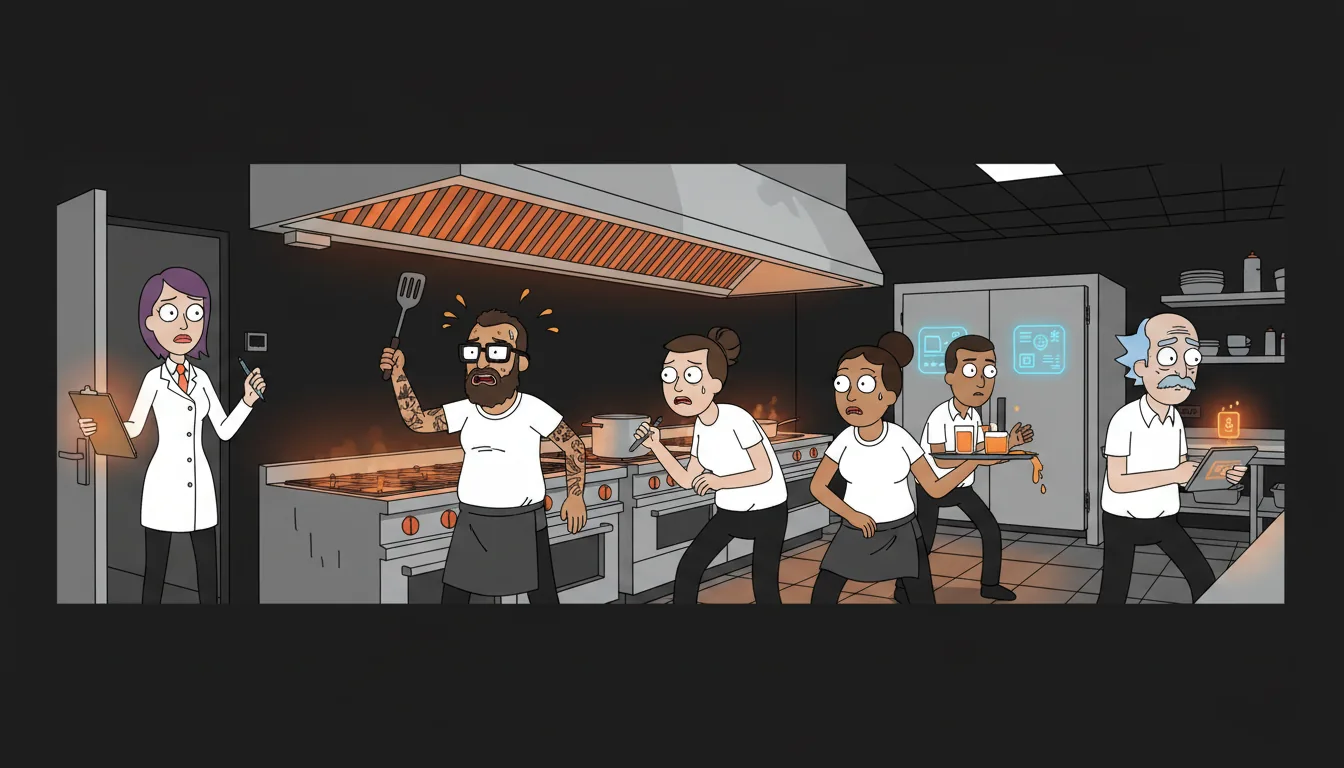
The health inspector just walked in. Your kitchen manager's first thought? "When did we last check the walk-in temps?" If your compliance system is a binder on a shelf that nobody's opened since the last inspection, you're one visit away from a violation. And violations aren't just embarrassing — they're expensive. Fines range from $250 to $1,000 per violation, and a critical violation can shut you down on the spot.
I've talked to operators who describe pre-inspection prep as "frantic cleaning and praying." The week before the expected inspection visit, everyone scrambles. Temp logs get backfilled. Cleaning schedules get checked off retroactively. Pest control records get dug out of a filing cabinet. It's a fire drill every time — and it only works if you know the inspection is coming. Surprise inspections expose everything.
The fix isn't working harder before inspections. It's maintaining a rolling compliance system that's always inspection-ready. Here's how to build one.
Step 1: Map Your Compliance Requirements — Know What You're Being Judged On
Before you automate anything, you need to know exactly what your health department requires. Every jurisdiction is slightly different, but the core categories are consistent:
Temperature logs. Walk-in coolers must stay at or below 41°F. Freezers at or below 0°F. Hot-holding items at or above 135°F. Cold-holding items at or below 41°F. Most jurisdictions require temperature checks at least twice a day — some require every 4 hours during service.
Cleaning schedules. Daily, weekly, and monthly cleaning tasks. Floors, hoods, grease traps, equipment surfaces, restrooms, handwashing stations. Each has a required frequency.
Pest control records. Documentation of pest control service visits, any pest sightings, and corrective actions taken. Most jurisdictions require at least quarterly professional pest control service.
Employee health policies. Documentation that employees have been trained on food safety. Records of any illness-related absences. Policies for when employees must be sent home (vomiting, diarrhea, jaundice, etc.).
Food storage rules. Proper labeling and dating of all stored food. FIFO (first in, first out) compliance. Raw proteins stored below ready-to-eat items. Allergen separation.
Equipment maintenance. Records of equipment calibration, repair, and replacement. Dishwasher temperature logs. Thermometer calibration records.
Pull your jurisdiction's specific requirements from your local health department website. Print them out. This is your master checklist — the source of truth for everything that follows.
Step 2: Digitize Your Temp Logs — Replace the Paper Clipboard
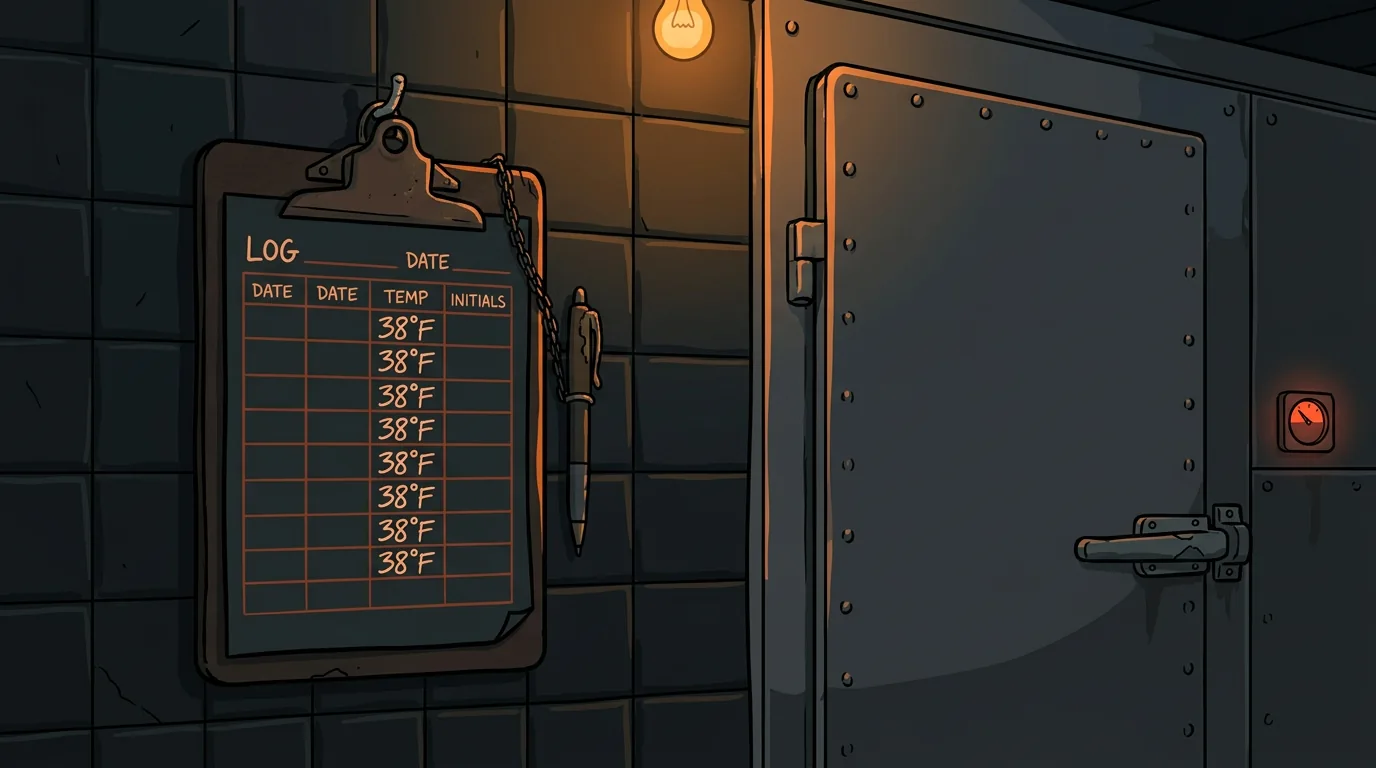
The paper clipboard temperature log is the most common compliance failure point in restaurants. It sits on the wall. Nobody fills it out honestly. Temps get backfilled at the end of the shift. The inspector knows this — they can tell when all the handwriting is the same and the temps are suspiciously consistent.
Digital temperature logging fixes this in two ways. First, IoT sensors for walk-in coolers and freezers can auto-log temperatures every 15 minutes. These sensors cost $50 to $150 per unit and connect to your WiFi. They record the actual temperature, at the actual time, with no human input. If the walk-in climbs above 41°F at 3 AM, the sensor catches it — even though nobody was there to see it.
Second, for hot-holding and cold-holding temps during service, staff logs on a tablet or phone instead of paper. The digital log records who logged the temp, when they logged it, and what the reading was. No backfilling. No "I forgot and filled it all in at close."
The combination of automated sensor logging and digital staff logging gives you a complete temperature record that's honest, timestamped, and inspection-ready. When the inspector asks for your temp logs, you pull up a digital report — every reading, every time, every day — and hand it over.
Step 3: Build a Rolling Compliance Checklist — Always Inspection-Ready
Instead of frantic pre-inspection prep, maintain a daily, weekly, and monthly checklist that auto-updates based on today's date. The checklist shows what's due today, what's overdue, and what's coming up.
The rolling checklist means you never have to "prepare" for an inspection. You're always prepared. Today's date automatically surfaces what's due. If something is overdue, it's flagged in red. The kitchen manager sees it first thing in the morning and handles it before service starts.
This approach also distributes the compliance work evenly across the month instead of cramming it into the week before an expected inspection. Daily tasks take 10 minutes. Weekly tasks take 30 minutes. Monthly tasks take an hour. Spread out, it's manageable. Crammed into one week, it's chaotic.
Step 4: Set Automated Alerts — Get Notified Before the Inspector Does
The value of a digital compliance system isn't just record-keeping — it's alerting. When something goes wrong, you want to know immediately, not when the inspector shows up.
Temperature alerts. If a walk-in sensor reads above 41°F for more than 15 minutes, an alert goes to the kitchen manager's phone. If it stays above 41°F for an hour, an alert goes to the owner. This catches equipment failures, doors left open, and power outages before they become food safety incidents.
Overdue task alerts. If a daily cleaning task isn't completed by the end of the shift, the kitchen manager gets notified. If a weekly task is two days overdue, the owner gets notified. This prevents the slow drift of compliance tasks getting skipped "just this once."
Upcoming inspection alerts. Many jurisdictions publish inspection schedules or have predictable patterns. If your last inspection was 3 months ago and inspections happen quarterly, set an alert for 2 weeks before the expected window. This isn't about backfilling — it's about making sure everything is current.
Document expiration alerts. Pest control contracts, employee food safety certifications, equipment maintenance schedules — these all have expiration dates. Set alerts 30 days before expiration so you can renew without a gap.
The alerting system turns compliance from a reactive scramble into a proactive workflow. You fix problems when they're small, not when they're violations.
Step 5: Auto-Generate Inspection-Ready Reports — One-Click Compliance
When the inspector walks in, you should be able to pull up a complete compliance report in under 60 seconds. Not a binder. Not a stack of papers. A single digital report that shows everything they need to see.
The report should include:
- Temperature history: Every logged temperature for the past 90 days, with timestamps and who logged it. Sensor data and staff data combined.
- Cleaning completion rates: Percentage of daily, weekly, and monthly tasks completed on time for the past 90 days. Overdue items flagged with dates and corrective actions.
- Pest control records: Service visit dates, findings, corrective actions, and any sighting reports.
- Employee training records: Names, certification dates, expiration dates, and training topics covered.
- Equipment maintenance: Service dates, calibrations, repairs, and replacements.
- Corrective actions: Any compliance issues found and how they were resolved.
Step 6: Learn from Each Inspection — Get Smarter Every Visit
After every inspection, take the findings and add them to your checklist. If the inspector noted that your hood cleaning was overdue, add a more frequent hood check to your weekly list. If they flagged a storage issue, add a daily storage compliance check.
Over time, your checklist evolves to match exactly what your inspector looks for. Each inspection makes the system smarter. After three or four inspections, you'll have a checklist that covers every specific requirement your inspector has ever checked — not just the generic code requirements.
This learning loop is where AI adds the most value. An AI system can analyze your inspection history, identify patterns in what gets flagged, and suggest checklist modifications. If three inspections in a row flagged the same area, the system increases the frequency of checks in that area automatically.
The system can also compare your compliance data against common violation patterns in your jurisdiction. If the most common violation in your area is temperature logging, the system prioritizes temperature alerts and makes the temp log the first thing on the daily checklist.
What Happens After You Automate Health Inspection Prep?
The most immediate change is stress reduction. The frantic pre-inspection scramble disappears. Your kitchen manager doesn't need to panic when the inspector walks in — they just pull up the report.
The second change is fewer violations. When compliance tasks are tracked, alerted, and documented automatically, things stop falling through the cracks. Operators who implement rolling compliance systems report 50 to 75% fewer violations in the first year.
The third change is better food safety. Temperature monitoring catches equipment failures before they cause foodborne illness. Cleaning schedules prevent the buildup that leads to pest problems. Training records ensure every employee knows the rules. The restaurant is actually safer — not just inspection-ready.
Want to See Where Your Restaurant Stands on AI Readiness?
If you're ready to replace the binder on the shelf with a system that's always watching, take our free AI Readiness Quiz. It takes 2 minutes and shows you exactly where your restaurant has the biggest compliance and automation opportunities.
We built this quiz after seeing the same pattern in restaurant after restaurant: great food, great service, compliance held together with duct tape and good luck. The quiz shows you where AI can turn your compliance from a fire drill into a workflow.
Next step
Choose the next practical step for your restaurant.
Check your restaurant's AI readiness or use the SWOT path to identify the most useful operational opportunities.
Keep reading
Related posts
More practical guidance for restaurant operators who want less busywork and better follow-through.
How to Automate Health Code Compliance Tracking
Your temp log says the walk-in was 38 degrees at 6 AM. Your dishwasher says he checked it. The health inspector finds it at 46 degrees at 10 AM. Nobody knows when it actually rose - or if it was ever

How to Automate Temperature Log Compliance with AI Monitoring
Staff pencil-whipping temp logs? IoT sensors plus AI monitoring automate compliance logging, catch compressor drift before failure, and generate health department reports automatically.
How to Set Up AI-Powered Invoice Processing for Your Restaurant
Your Sysco invoice came in on Tuesday. It's now Friday. The paper is sitting under a stack of takeout menus and a half-eaten bag of chips on the manager's desk. Nobody has entered it into the system.