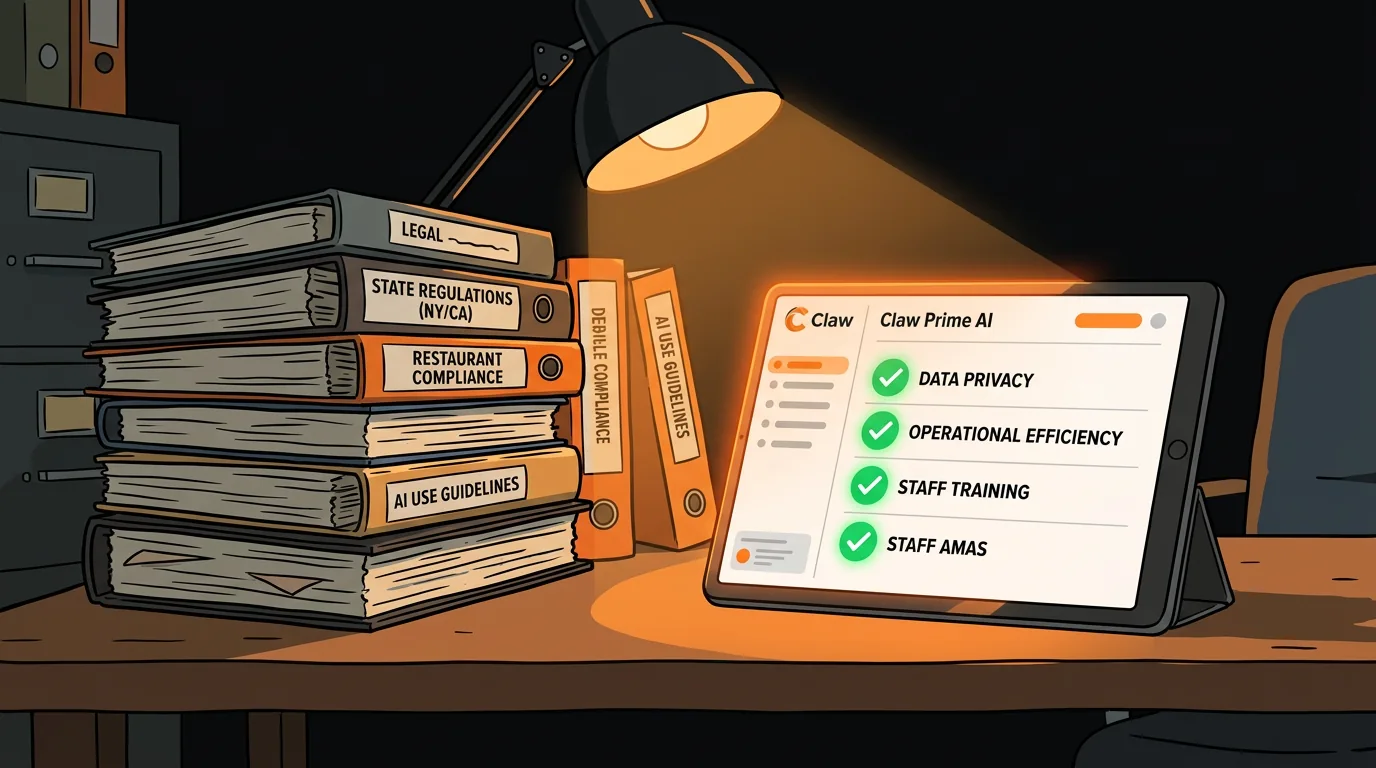
How to Use AI for Labor Law Compliance Across Multiple States
California requires meal breaks at 5 hours. New York triggers overtime at 40 hours. Oregon has predictive scheduling laws. Your restaurant group operates in 3 states - and your scheduling spreadsheet doesn't know the difference.
One scheduling mistake in the wrong state can cost you $500-$10,000 in fines. Not per year - per incident. If you're running a multi-location group across state lines, you're juggling different break rules, overtime thresholds, predictive scheduling laws, and tip credit regulations for every single shift you write.
Most operators rely on "I think we're compliant." That's a prayer, not a strategy.
What Makes Multi-State Compliance So Hard?
The problem isn't that labor laws exist - it's that they're different everywhere, and they keep changing.
Break rules vary by state. Federal law doesn't require meal breaks for adults. But California requires a 30-minute meal break for every 5 hours worked. New York requires breaks based on shift length. Massachusetts has its own rules. If you're scheduling the same way in all three states, you're violating the law in at least two of them.
Overtime thresholds aren't uniform. Federal overtime kicks in at 40 hours per week. California adds daily overtime - anything over 8 hours in a single day triggers overtime, even if the employee only worked 30 hours that week. Nevada has different thresholds. Colorado has yet another set.
Predictive scheduling laws are expanding. Oregon, San Francisco, New York City, Chicago, Seattle, and Philadelphia all require advance notice of schedules - typically 14 days. Change the schedule after posting, and you owe the employee extra pay. Some cities require "predictability pay" of 1-4 hours for any schedule change made with less than the required notice.
Tip credit rules are a minefield. The federal tip credit minimum is $2.13/hour. But states like California, Washington, and Oregon require full minimum wage before tips. Some states allow tip pooling, others don't. Some allow it only among certain employee categories.
The update problem. Laws change. New York City updated its predictive scheduling rules in 2025. California adjusted its meal break enforcement in 2026. If you're not tracking legislative changes across every state where you operate, you're compliant with last year's law - not this year's.
What Specific Laws Trip Up Restaurant Operators Most?
Here are the compliance landmines that hit restaurants hardest:
California daily overtime. If a cook works 9 hours on a Friday because the dinner rush ran long, you owe overtime for that extra hour - even if they only worked 30 hours that week. Most scheduling tools default to weekly overtime only. California operators need daily tracking.
New York spread-of-hours pay. If an employee's shift spans more than 10 hours (including breaks), they're entitled to an extra hour of pay at minimum wage. A server who clocks in at 10 AM for lunch prep and stays until 9 PM for dinner service triggers this rule.
Oregon predictability pay. Post a schedule 14 days out, then cut someone's shift because business is slow? You owe them 50% of the scheduled hours as predictability pay. That "we're overstaffed, go home" text just cost you money.
Chicago fair workweek ordinance. Employees must get 14 days' notice. If you change the schedule with less than 10 days' notice, you owe predictability pay. If you change it with less than 24 hours' notice, the pay doubles.
Seattle secure scheduling. Similar to Chicago but with added rules: you must offer additional hours to existing part-time employees before hiring new ones. And you can't require employees to "clopen" (close then open with less than 10 hours between shifts).
These aren't edge cases - they're the daily reality of scheduling in major markets. Every one of these rules catches operators who assume "the federal rules apply everywhere."
What Can AI Validate That Your Spreadsheet Can't?
Your scheduling spreadsheet doesn't know what state it's in. It doesn't know that a 6-hour shift in California requires a meal break but a 6-hour shift in Texas doesn't. It doesn't know that changing a schedule in Oregon with less than 14 days' notice triggers predictability pay.
AI-powered compliance validation does three things your spreadsheet can't:
Real-time rule checking. Before a schedule is published, AI validates every shift against the labor laws for that specific location. "This schedule has a 5.5-hour shift with no meal break in California - that's a violation." You fix it before it becomes a problem.
Cross-state intelligence. If you operate in California, New York, and Texas, the system loads the rules for all three states and applies them correctly based on which location each employee works at. No manual rule management.
Change tracking. When a new labor law takes effect, the system updates its rule database automatically. You don't have to monitor legislation or update your spreadsheets. The AI flags when a previously compliant schedule now violates a new rule.
Audit trail generation. Every validation, every flagged violation, every correction gets logged. When the labor board shows up asking about compliance, you have documentation showing you checked every schedule against current law and fixed violations before they happened.
How Do You Set Up Labor Law Validation?
Step 1: Inventory your locations and their applicable laws. Make a list of every state and city where you operate. For each one, document: meal break rules, overtime thresholds, predictive scheduling requirements, and tip credit regulations. This is your compliance baseline.
Step 2: Choose your scheduling platform. If you're already using 7shifts, Homebase, HotSchedules, or a similar platform, check what compliance features are built in. Most major platforms have some labor law validation, but it's often limited to basic overtime rules. AI adds the cross-state intelligence and predictive scheduling layer.
Step 3: Configure rules per location. Map each location to its applicable state and city labor laws. Set up break requirements, overtime thresholds, and predictive scheduling windows. This is the most tedious part, but you only do it once per location.
Step 4: Set up auto-flagging. Configure the system to flag violations before the schedule is published. "This shift violates California's 5-hour meal break rule" should appear as a warning when the manager creates the schedule, not as a lawsuit 6 months later.
Step 5: Train your managers. The system flags violations, but your managers need to understand why they're violations and how to fix them. A 30-minute training session per location covers the basics: what the rules are, what the flags mean, and how to adjust schedules to comply.
Step 6: Review and adjust weekly. Run a compliance report at the end of each pay period. Check for any violations that slipped through, any new laws that took effect, and any patterns in the types of violations you're seeing. This feedback loop makes the system smarter over time.
How Do You Handle Schedule Changes Without Triggering Penalties?
The hardest part of predictive scheduling compliance isn't posting the schedule - it's changing it. And in restaurants, schedules change constantly.
Here are practical strategies that keep you compliant:
Build a buffer into your schedule. Instead of scheduling exactly the hours you need, schedule 5-10% more and offer the extra shifts as voluntary. When someone calls out, you have coverage without changing anyone's posted schedule.
Use a shift swap system. Most predictive scheduling laws allow employees to swap shifts with each other without triggering penalties. Set up a system where employees can post shifts they want covered and others can pick them up voluntarily.
Maintain an on-call list. Some cities allow on-call scheduling with proper notice. Check your local laws - if on-call is allowed, maintain a list of employees who want extra hours and call them when demand spikes.
Post schedules as far in advance as possible. 14 days is the minimum in most jurisdictions, but 21 days gives you more buffer. The earlier you post, the more time you have to adjust before penalties kick in.
Document everything. When an employee requests a schedule change, document the request. Most predictive scheduling laws have an exception for employee-requested changes. A signed request form or documented text message protects you.
Train managers on the cost of changes. Your managers need to understand that cutting a shift isn't just a staffing decision - it's a financial one. In Oregon, cutting 4 hours from a posted schedule costs you 2 hours of predictability pay. Make sure the savings from cutting the shift outweigh the penalty.
The goal isn't to never change schedules - it's to change them strategically and document everything when you do.
What Does an Audit Trail Look Like?
When the labor board comes knocking, documentation is everything. An AI-powered compliance system generates:
- Schedule validation logs showing every shift was checked against applicable laws before publication
- Violation alerts showing which shifts were flagged and how they were corrected
- Change tracking showing when schedules were posted, when changes were made, and whether predictability pay was triggered
- Training records showing managers received compliance training
- Rule update logs showing the system was updated when new laws took effect
Without it, you're relying on memory, paper schedules, and hope. That works until it doesn't - and when it doesn't, the penalties are steep.
What Should You Do Next?
If you're operating across multiple states and not sure whether your scheduling practices are compliant, take our free AI Readiness Check. It takes 2 minutes and shows you where your biggest compliance risks are.
Take the free AI Readiness Check
Labor law compliance isn't something you can wing across multiple states. The rules are different, the penalties are real, and your spreadsheet doesn't update itself when a new law takes effect. Get ahead of it before the labor board does.
Next step
Choose the next practical step for your restaurant.
Check your restaurant's AI readiness or use the SWOT path to identify the most useful operational opportunities.
Keep reading
Related posts
More practical guidance for restaurant operators who want less busywork and better follow-through.
How to Use AI to Handle Shift Call-Outs Without Manager Scrambling
It's 10 AM on a Saturday. Your 6 PM line cook just texted "can't make it." You have 8 hours and 30 contacts to call. Here's how an AI agent handles this in under 2 minutes - without you touching your
How to Build an AI Layer on Top of Toast POS
Your Toast POS captures every transaction, every labor hour, every menu item sold. It gives you charts. What it doesn't give you is a recommendation. Here's how to build the layer that turns your data
How to Use AI to Detect Overtime Before It Happens in Your Restaurant
You just ran payroll. Three servers hit overtime last week. One racked up 12 hours of time-and-a-half. You didn't know until the damage was already done.