How to Build an AI-Powered Upselling System for Online Orders
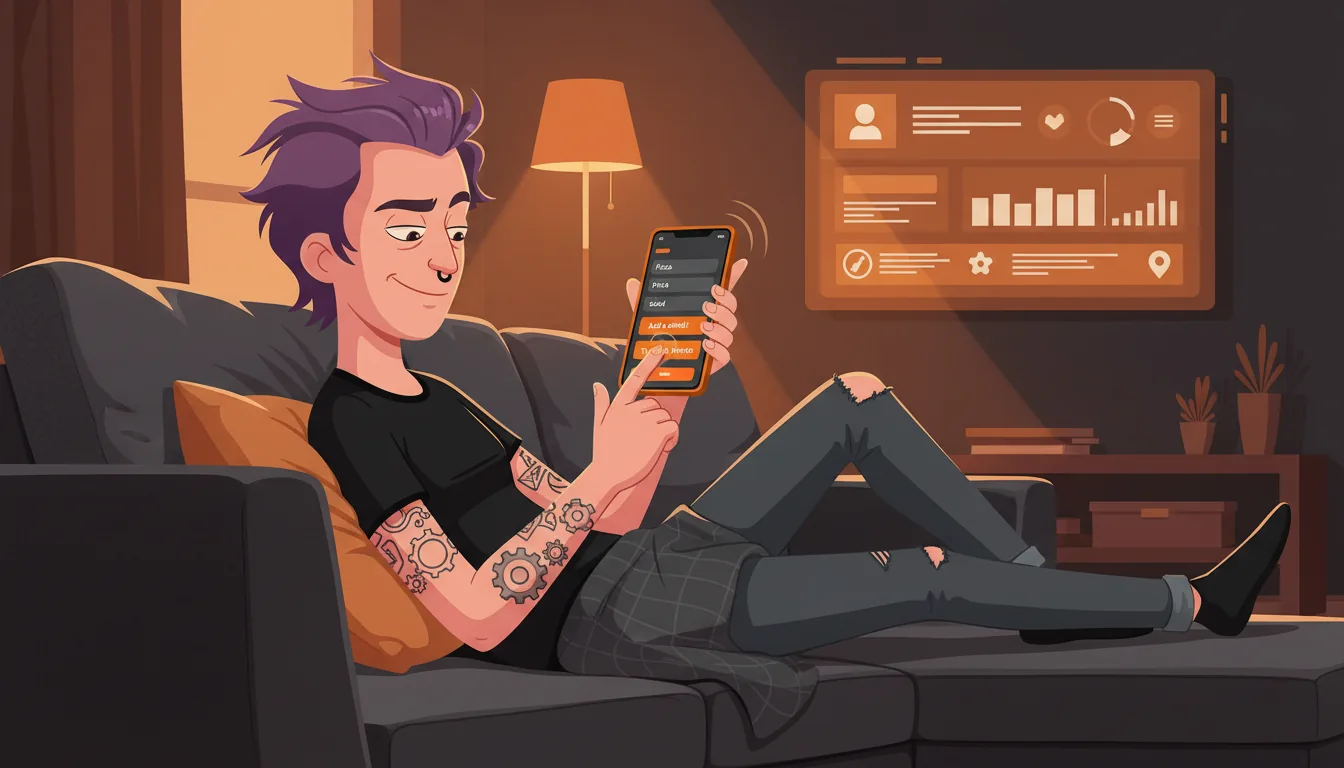
A server would suggest a drink with that burger. Your online ordering page just shows a cart icon. That is a 15-25% check average gap - and it adds up to thousands per month.
I have seen this at dozens of restaurants. The dine-in staff knows how to read a table and suggest an extra side or a drink. Online? The guest picks what they want, hits checkout, and leaves. No one says "want fries with that?"
If your average online order is $28 and you are losing 15-20% to missing upsells, that is $4-5 per order. At 200 orders a week, you are looking at $40,000-50,000 a year on the table.
AI can fill that gap. It studies your order data, finds patterns, and serves the right suggestion at the right time. Here is how you build it.
1. Analyze POS Combo Data to Find Natural Pairings
Your POS has this data. It is just sitting there.
Pull 3-6 months of order history. Look for items on the same ticket at a high rate. If 68% of burger orders also have fries, that is a strong pairing. If only 12% of salad orders include a soda, that one is weaker.
Run a basic frequency analysis. You are looking for:
- Items ordered together more than 50% of the time (strong pairings)
- Items ordered together 25-50% of the time (moderate pairings)
- Items with high margin that could be paired more often
Start with your top 10-15 menu items and map out their natural companions.
2. Build Smart Suggestion Engine Based on What Is in the Cart
The logic is simple. When a guest adds item A, the system checks your pairing data and suggests item B. If they add a burger, suggest fries. If they add fries, suggest a drink.
Here are the core rules I set up:
- Primary upsell: The strongest pairing with the highest-margin item in the cart
- Secondary upsell: A complementary item the guest does not have yet
- Bundle offer: If the cart is missing one piece of a known combo, show the bundle price
Cap suggestions at two items. More than that and guests tune it out.
3. Add Time-of-Day Logic
A coffee suggestion at 8 PM is noise. A dessert suggestion at 8 PM is a sale.
Time-of-day logic makes your suggestions smarter. The same guest ordering at 7 AM wants different things than at 7 PM.
Here is how I set it up:
- Morning (6-11 AM): Coffee, pastries, breakfast sides
- Lunch (11 AM-3 PM): Drinks, chips, cookies
- Dinner (5-9 PM): Desserts, drinks, shareable sides
- Late night (9 PM-close): Desserts, drinks, large sides
One pizza shop saw a 22% jump in dessert attachment rates just by switching to dinner-only dessert prompts. The item did not change. The timing did.
4. A/B Test Suggestion Placement
Where the suggestion shows up matters as much as what it says. I have tested three placements.
Popup modal: Shows right after adding an item. High visibility but can feel intrusive if overused.
Inline suggestion: Appears below the cart or next to the item. Less interruptive but lower click rate.
Checkout page: Shows during the final review. Guests are in buying mode and more open to add-ons.
I run each for two weeks and compare. The popup usually wins on click rate. The checkout page wins on order value. Inline is the middle ground. Test with your actual traffic.
5. Track Conversion Rate and Average Check Impact
I track three metrics:
- Suggestion impression rate: How often suggestions are shown
- Click-through rate: How often guests click a suggestion
- Conversion rate: How often that click becomes an added item
Set up a simple dashboard. Track weekly. If one suggestion gets clicks but no conversions, the price might be wrong or the item is not as strong as you think.
Track by daypart too. Your brunch suggestions should beat your late-night ones.
6. Use Customer Order History for Personalized Suggestions
Once you have order history tied to customer accounts, you can personalize.
If a guest always orders the spicy chicken sandwich with a Sprite, suggest Sprite when they add the sandwich. If they never order dessert, show them a drink instead.
This requires your ordering platform to track customer IDs. Most modern platforms do this. If yours does not, build a simple lookup table in your database.
Personalized suggestions convert at 2-3x the rate of generic ones. A generic suggestion might get 4% conversion. A personalized one can hit 10-12%.
Start with repeat customers. They are 20-30% of your online orders but drive 40-50% of revenue. I built this for a taco chain with 12 locations. In six weeks, their online average check went from $24.50 to $29.80. No menu changes. No price increases. Just smarter suggestions.
Frequently Asked Questions
How long does it take to build this? A basic version can be live in 2-3 weeks. Full personalization takes 4-6 weeks depending on your platform.
Do I need a developer to set this up? For platforms like Olo or ChowNow, a developer helps but is not always required. Some have built-in upsell tools.
Will this slow down my online ordering page? Not if built right. The engine runs in the background and loads suggestions asynchronously. I aim for under 200ms response time.
What if my menu changes often? The pairing data refreshes on a schedule. I set most systems to update weekly from POS data.
Does this work for all types of restaurants? It works best for fast-casual, QSR, and pizza delivery. Full-service with complex menus needs more custom logic, but the core idea still applies.
Your SWOT report comes back in 48 hours. Most owners see 3-5 immediate wins. Book a $297 AI SWOT assessment.
Next step
Choose the next practical step for your restaurant.
Check your restaurant's AI readiness or use the SWOT path to identify the most useful operational opportunities.
Keep reading
Related posts
More practical guidance for restaurant operators who want less busywork and better follow-through.
How to Build an AI-Powered Staff Performance Analytics System
Most restaurant managers rank server performance by gut feeling. AI ranks it by check averages, table turns, and guest return rates. Here is how to build a data-driven performance system using your existing POS, reservation system, and reviews.
How to Use AI to Handle Shift Call-Outs Without Manager Scrambling
It's 10 AM on a Saturday. Your 6 PM line cook just texted "can't make it." You have 8 hours and 30 contacts to call. Here's how an AI agent handles this in under 2 minutes - without you touching your
How to Build an AI Layer on Top of Toast POS
Your Toast POS captures every transaction, every labor hour, every menu item sold. It gives you charts. What it doesn't give you is a recommendation. Here's how to build the layer that turns your data